
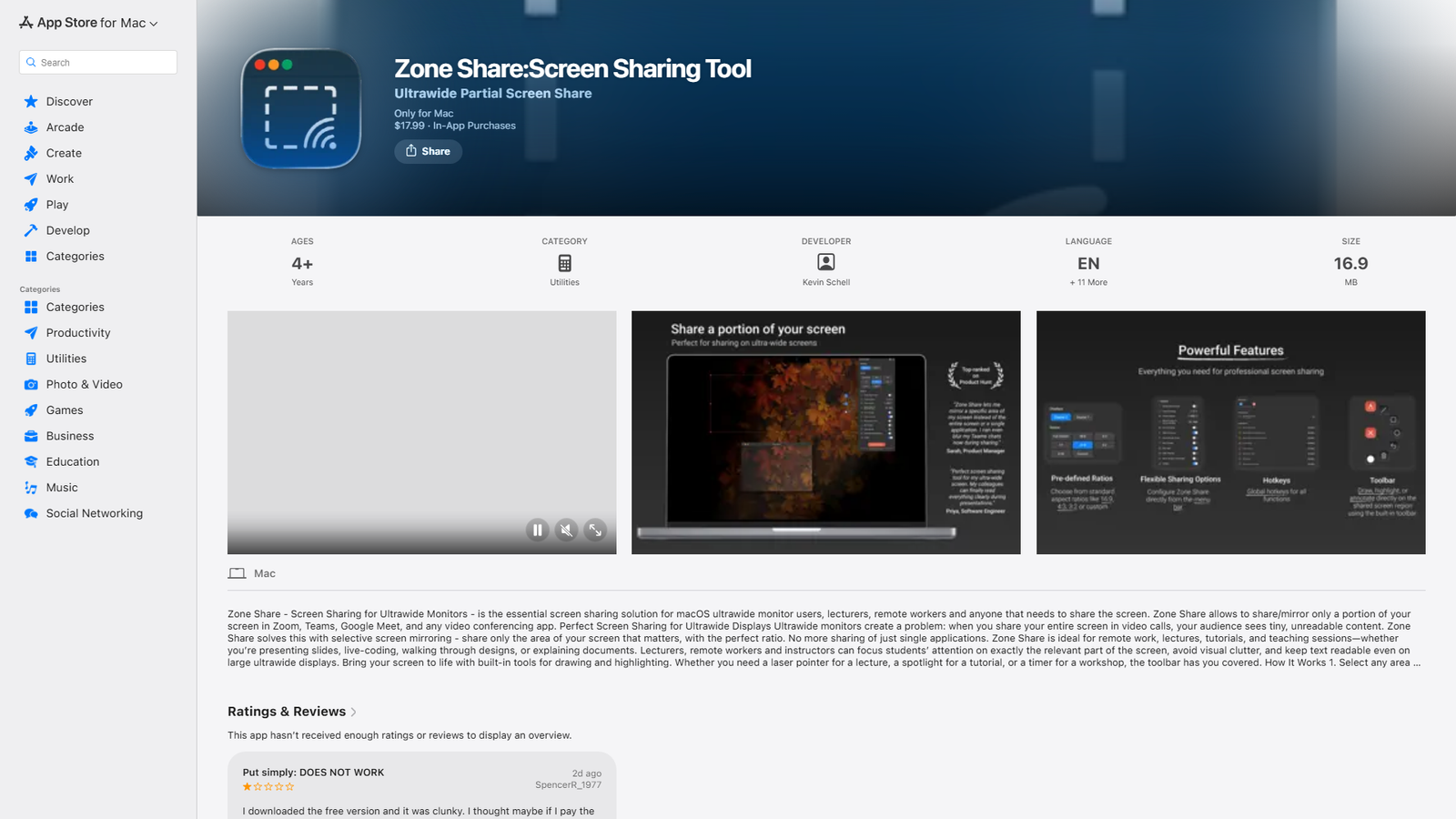

Zone Share
Mirror part of your screen to a window for precise control
About
Zone Share is a screen sharing tool for Mac, specifically designed for users with ultrawide monitors, lecturers, and remote workers. It addresses the issue of unreadable content when sharing an entire ultrawide screen by allowing users to share only a selected portion of their screen. The app creates a separate window with the chosen content, which can then be shared in video conferencing applications like Zoom, Microsoft Teams, and Google Meet. Key features include predefined aspect ratios (16:9, 4:3, square, custom), custom screen area selection, an integrated toolbar for drawing, highlighting, laser pointer, and timer, adaptive region snapping to active windows, focus overlay to dim unselected areas, and smart exclude/blur options for sensitive information. It also supports global keyboard shortcuts, a hidden mode, multiple monitors, and runs as a lightweight menu bar app. The app costs $17.99 with additional in-app purchases for a 'Pro Version' at various price points.
Categories & Tags
Color Palette
Background White
#FFFFFF
Text Dark Grey
#1D1D1F
Accent Blue (Links)
#007AFF
Subtle Grey (Dividers/Secondary Text)
#8E8E93
Typography
San Francisco (System Font)
Headings, Body Text, Links
Design Review
Similar Products

Clear for Slack
Clear messages get answered quicker

Griply 2026
Achieve your goals with a goal-oriented task manager

vibecoder.date
Find who you vibe with, git commit to love

HappyMail
We made email simple again

Blober.io
The easiest way to transfer files between cloud providers.

Supaguard
Scan, Detect & Protect Your Supabase Data

Timelines Time Tracking 4
Track your time to achieve your New Year resolutions.

SoftReveal — Reveal less. Engage more.
Hide Content, Reveal on Click

CalPal
The notebook calculator that thinks for you (now with AI).

Reword
Rewrite messages without leaving your workflow

Radial
Your shortcuts, one gesture away

MoovAI
Launch viral AI ads & pro social content in minutes