

Vibe Coder
Talk with AI to build products—in VS Code, Cursor, Windsurf
About
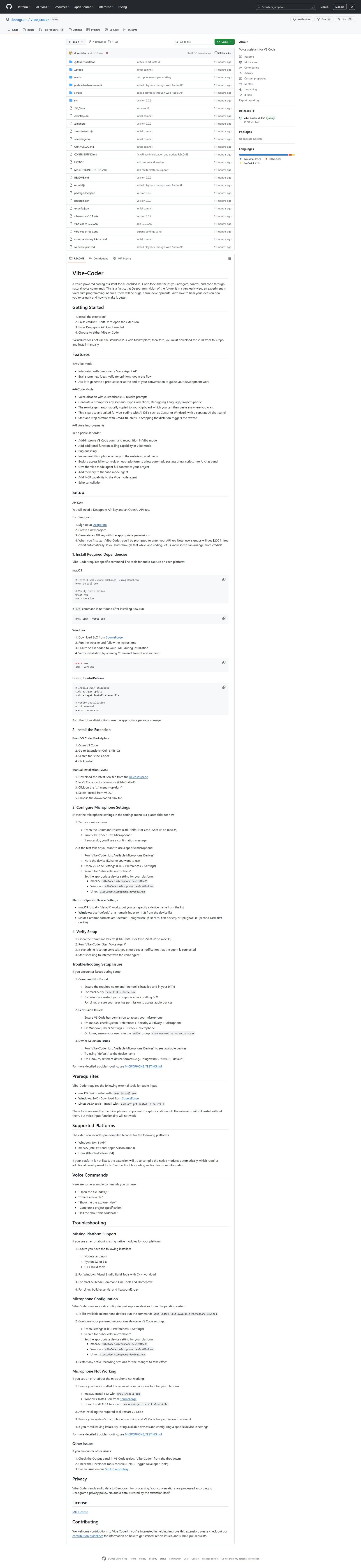
The page provides comprehensive documentation for Vibe-Coder, a voice assistant for VS Code. It covers setup instructions, prerequisites (like SoX and ALSA tools), supported platforms (Windows, macOS, Linux), example voice commands, and extensive troubleshooting guides for common issues such as command not found, permission issues, device selection, and microphone configuration. It also includes sections on privacy, licensing, and contribution guidelines, along with GitHub repository statistics like stars, watchers, and forks.
Categories & Tags
Color Palette
Primary Text
#24292e
Background
#ffffff
Links
#0366d6
Secondary Background/Borders
#f6f8fa
Typography
-apple-system, BlinkMacSystemFont, "Segoe UI", Helvetica, Arial, sans-serif
Body and Headings
SFMono-Regular, Consolas, "Liberation Mono", Menlo, Courier, monospace
Code snippets and technical terms
Design Review
Similar Products

Clear for Slack
Clear messages get answered quicker

Griply 2026
Achieve your goals with a goal-oriented task manager

vibecoder.date
Find who you vibe with, git commit to love

HappyMail
We made email simple again

Blober.io
The easiest way to transfer files between cloud providers.

Supaguard
Scan, Detect & Protect Your Supabase Data

Timelines Time Tracking 4
Track your time to achieve your New Year resolutions.

SoftReveal — Reveal less. Engage more.
Hide Content, Reveal on Click

CalPal
The notebook calculator that thinks for you (now with AI).

Reword
Rewrite messages without leaving your workflow

Radial
Your shortcuts, one gesture away

MoovAI
Launch viral AI ads & pro social content in minutes