

undash
Makes AI text feel more human by removing em—dashes
About
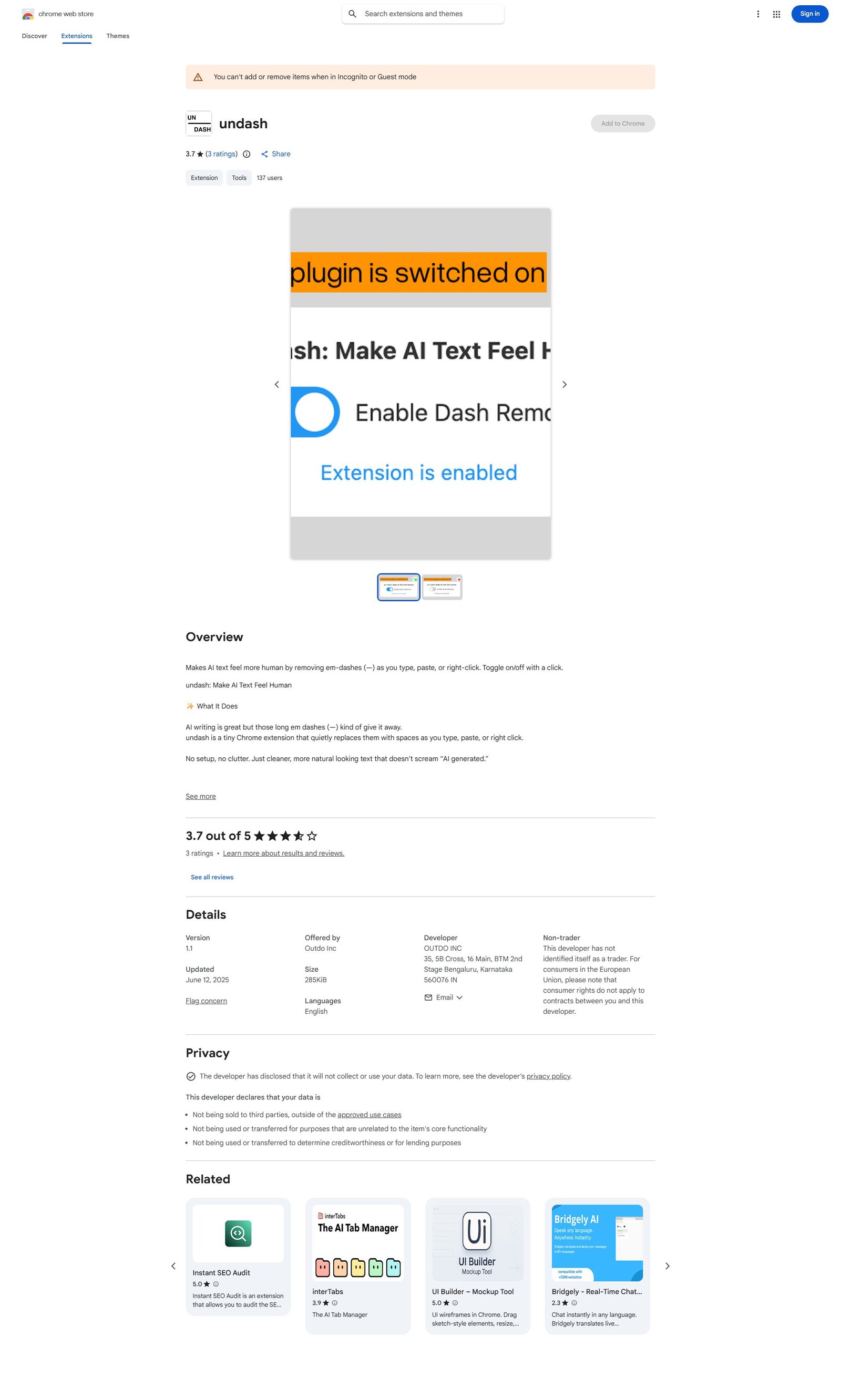
undash is a lightweight Chrome extension designed to make AI-generated text appear more human by automatically replacing em-dashes (—) with spaces. It operates seamlessly as users type, paste, or can be triggered via a right-click context menu on selected text. The extension features a simple toggle (green badge for active, red for paused) for quick control and provides visual feedback on its status. It boasts privacy by design, with no data collection or tracking, and is compatible across various web platforms like LinkedIn, Gmail, Twitter, Notion, and Google Docs. It targets a broad audience including writers, students, marketers, and founders who wish to refine AI drafts for a more natural tone.
Categories & Tags
Color Palette
Background White
#FFFFFF
Text Black/Dark Grey
#202124
Chrome Blue
#1A73E8
Active Green
#4CAF50
Typography
Roboto
Body text, headings, UI elements
Google Sans (or similar sans-serif)
Headings, prominent text
Design Review
Similar Products

Clear for Slack
Clear messages get answered quicker

Griply 2026
Achieve your goals with a goal-oriented task manager

HappyMail
We made email simple again

Blober.io
The easiest way to transfer files between cloud providers.

Supaguard
Scan, Detect & Protect Your Supabase Data

Timelines Time Tracking 4
Track your time to achieve your New Year resolutions.

SoftReveal — Reveal less. Engage more.
Hide Content, Reveal on Click

CalPal
The notebook calculator that thinks for you (now with AI).

Reword
Rewrite messages without leaving your workflow

MoovAI
Launch viral AI ads & pro social content in minutes

Resell AI
Reselling workflow with market-based price suggestions

Qwen-Image-2512
SOTA open-source T2I model with even greater realism