
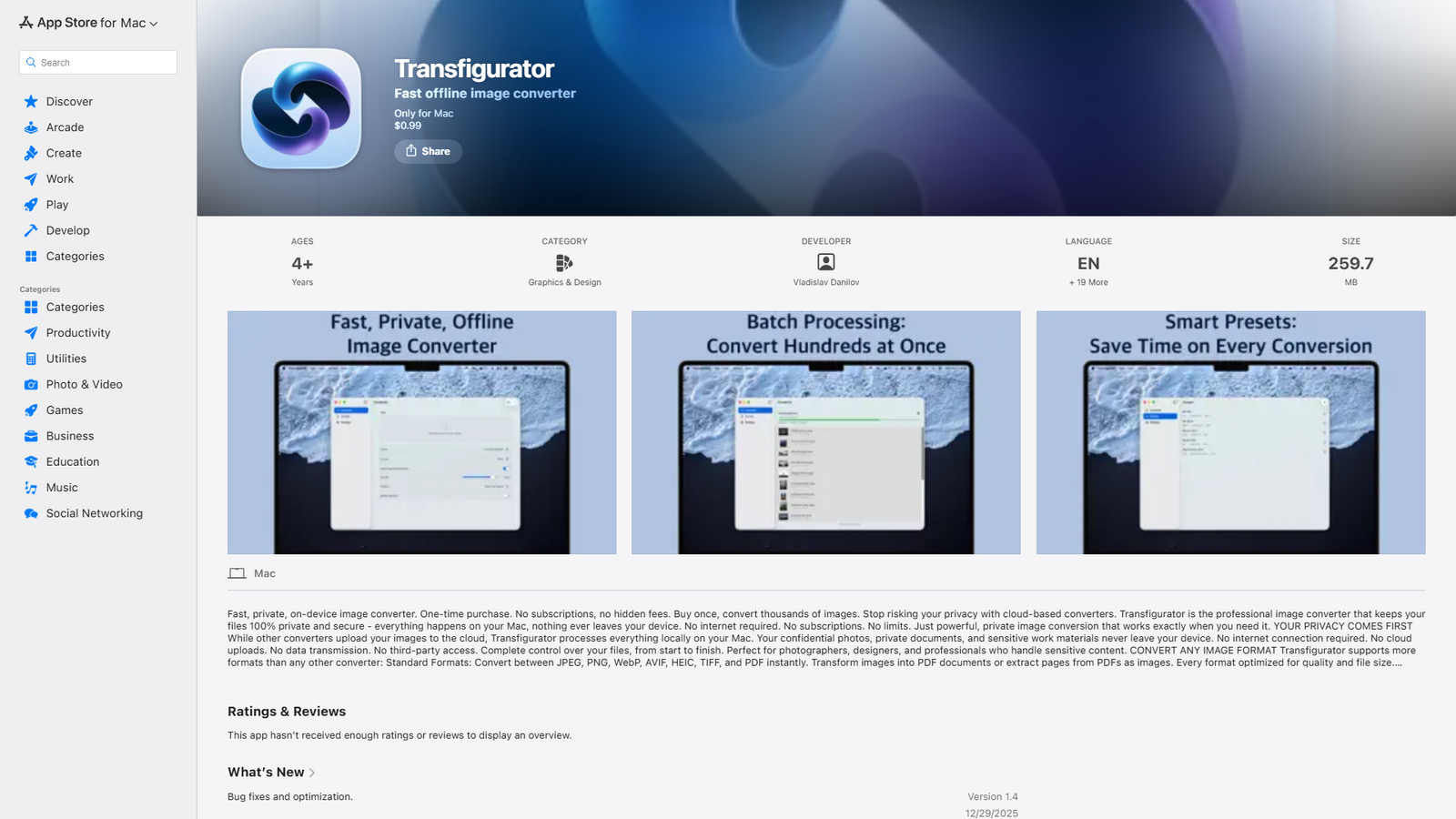

Transfigurator
Fast, private image converter - 100% local processing on Mac
About
Transfigurator is a fast, offline image converter designed exclusively for Mac. It prioritizes user privacy by processing all image conversions locally on the device, eliminating the need for internet access and cloud uploads. The app supports a wide array of image formats, including standard types like JPEG, PNG, WebP, AVIF, HEIC, TIFF, and PDF, as well as professional RAW camera formats from major brands (Canon, Nikon, Sony, etc.). Key features include batch processing for multiple files, customizable smart presets, flexible resizing options, fine-tuned quality control, and the ability to convert images to PDF or extract pages from PDFs. It also offers a floating drop zone for quick conversions and boasts blazing-fast performance optimized for both Apple Silicon and Intel Macs. The app is available as a one-time purchase with no subscriptions or hidden fees.
Categories & Tags
Color Palette
White
#FFFFFF
Black/Dark Grey
#1D1D1F
Apple Blue
#007AFF
Typography
San Francisco
All text (headings, body, links)
Design Review
Similar Products

Clear for Slack
Clear messages get answered quicker

Griply 2026
Achieve your goals with a goal-oriented task manager

vibecoder.date
Find who you vibe with, git commit to love

HappyMail
We made email simple again

Blober.io
The easiest way to transfer files between cloud providers.

Supaguard
Scan, Detect & Protect Your Supabase Data

Timelines Time Tracking 4
Track your time to achieve your New Year resolutions.

SoftReveal — Reveal less. Engage more.
Hide Content, Reveal on Click

CalPal
The notebook calculator that thinks for you (now with AI).

Reword
Rewrite messages without leaving your workflow

Radial
Your shortcuts, one gesture away

MoovAI
Launch viral AI ads & pro social content in minutes