
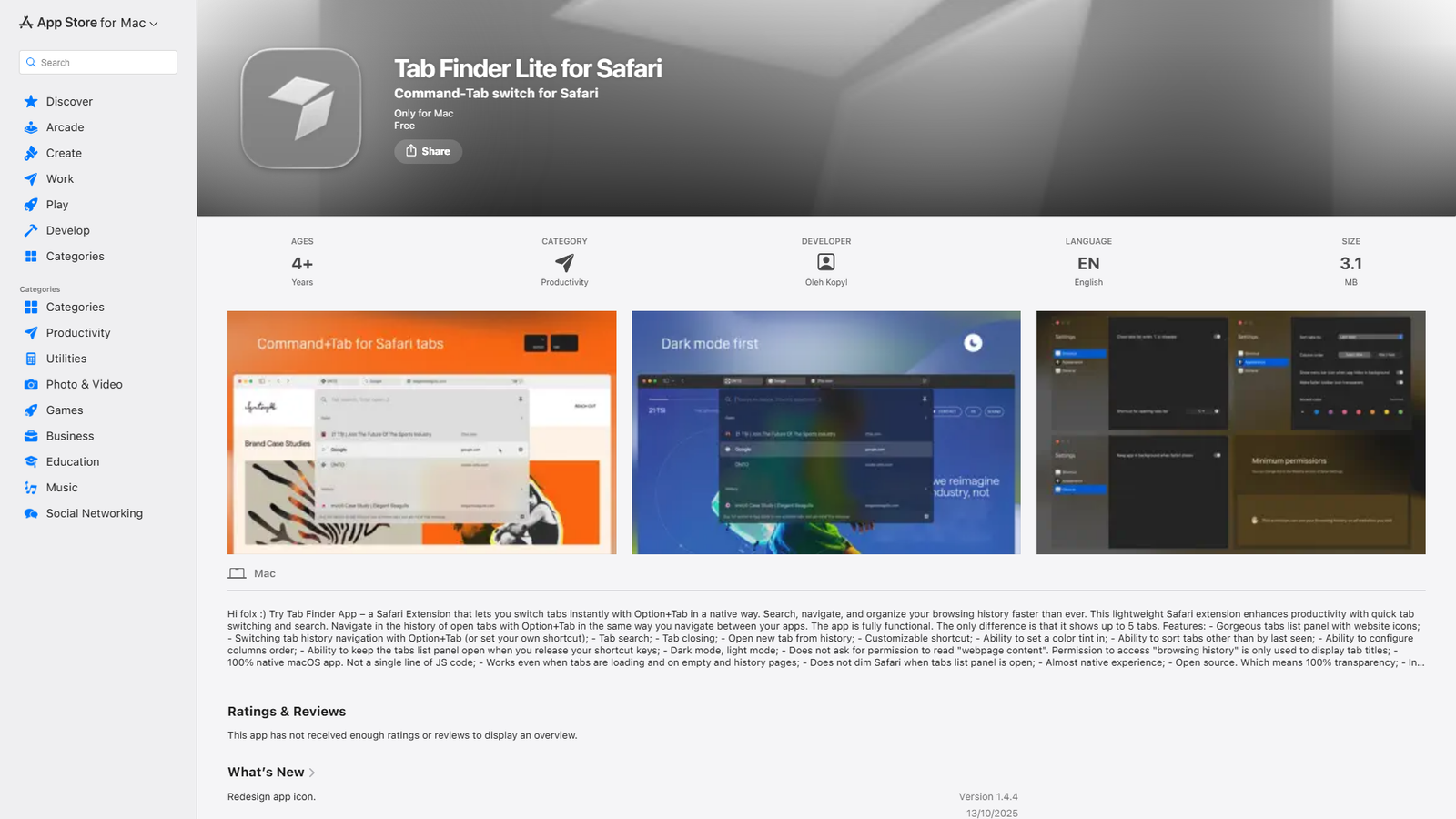

Tab Finder Lite
Free version of Tab Finder for Safari
About
Tab Finder Lite for Safari is a free, open-source Safari Extension for Mac that provides a native Command-Tab-like experience for switching between Safari tabs. It allows users to instantly switch, search, navigate, and organize their browsing history using Option+Tab (or a custom shortcut). Key features include a visually appealing tabs list panel with website icons, tab closing, opening new tabs from history, customizable settings (shortcuts, sorting, column order, color tint), and support for dark/light mode. It's a 100% native macOS app, ensuring seamless integration and performance, and prioritizes privacy by only accessing browsing history for tab titles, not webpage content. The 'Lite' version is fully functional but limits the display to 5 tabs. It's in active development and offers transparency through its open-source code.
Categories & Tags
Color Palette
White
#FFFFFF
Black
#000000
Apple Blue
#007AFF
Dark Gray
#555555
Typography
San Francisco
Headings, Body Text
Design Review
Similar Products

Clear for Slack
Clear messages get answered quicker

Griply 2026
Achieve your goals with a goal-oriented task manager

vibecoder.date
Find who you vibe with, git commit to love

HappyMail
We made email simple again

Blober.io
The easiest way to transfer files between cloud providers.

Supaguard
Scan, Detect & Protect Your Supabase Data

Timelines Time Tracking 4
Track your time to achieve your New Year resolutions.

SoftReveal — Reveal less. Engage more.
Hide Content, Reveal on Click

CalPal
The notebook calculator that thinks for you (now with AI).

Reword
Rewrite messages without leaving your workflow

Radial
Your shortcuts, one gesture away

MoovAI
Launch viral AI ads & pro social content in minutes