
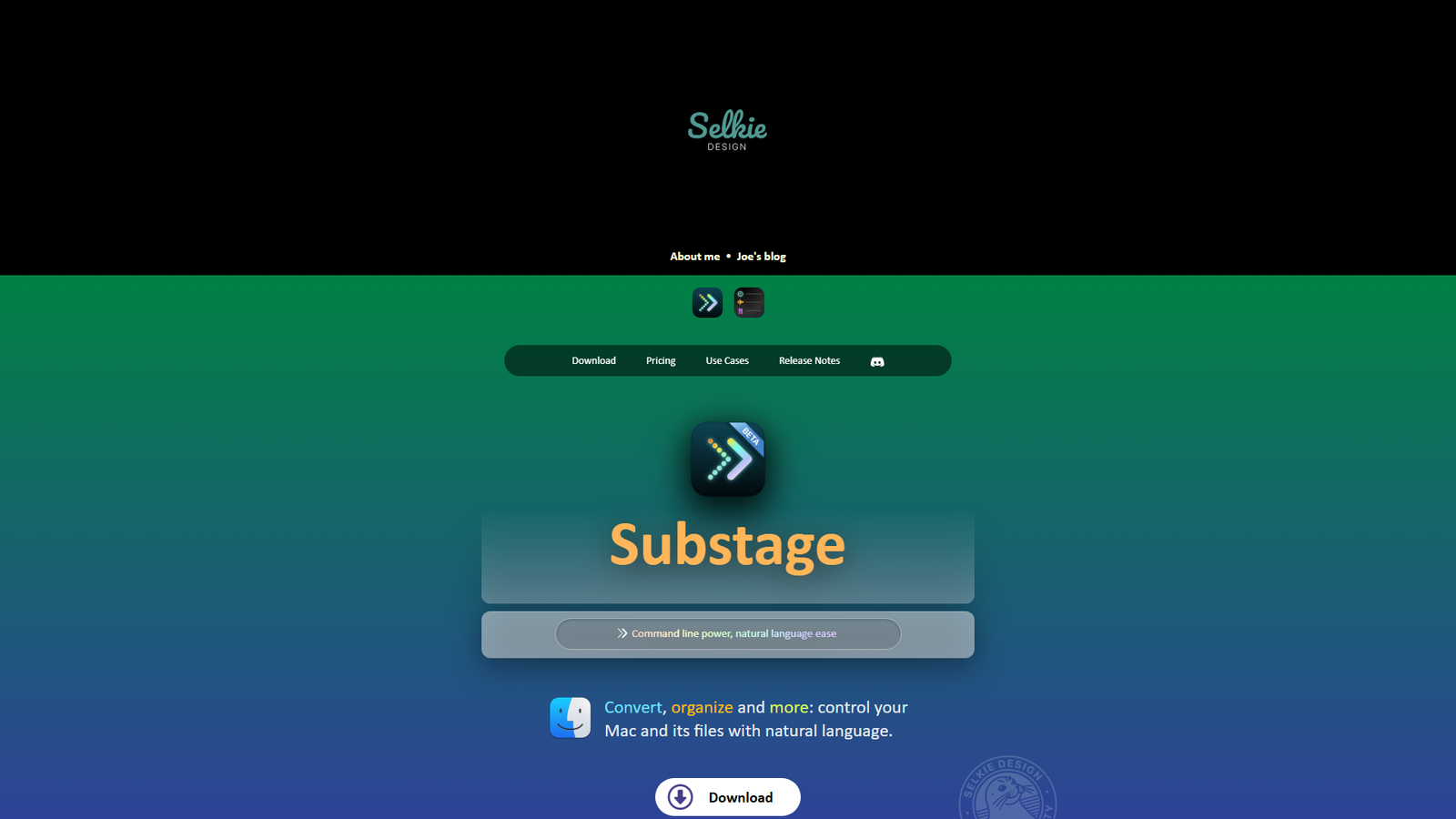

Substage
A natural language command bar for your Mac's Finder window
About
Substage is a macOS command bar designed to dock underneath the Finder window, enabling users to control their Mac and its files using natural language prompts. It translates these prompts into command-line commands, which are then executed on the system. The application supports a wide array of operations including file conversion (video, audio, images, documents, PDFs), organization, calculations, zip archives, text utilities, file metadata inspection, web downloads, code/version control, system utilities, and weather queries. Substage integrates with leading AI models such as OpenAI, Anthropic, Google, and Mistral, and also offers a 'Bring Your Own AI' option for users to utilize their own API keys or local models. It provides a free 2-week trial, subscription plans, a permanent license, and is also available through Setapp. The tool emphasizes efficiency, providing summarized command outputs and requiring confirmation for potentially risky operations.
Categories & Tags
Color Palette
Dark Background
#1A1A1A
Light Text
#FFFFFF
Accent Blue
#007AFF
Warning Yellow
#FFC107
Typography
San Francisco (SF Pro Display)
Headings
San Francisco (SF Pro Text)
Body
Menlo
Code Blocks
Design Review
Similar Products

Clear for Slack
Clear messages get answered quicker

Griply 2026
Achieve your goals with a goal-oriented task manager

vibecoder.date
Find who you vibe with, git commit to love

HappyMail
We made email simple again

Blober.io
The easiest way to transfer files between cloud providers.

Supaguard
Scan, Detect & Protect Your Supabase Data

Timelines Time Tracking 4
Track your time to achieve your New Year resolutions.

SoftReveal — Reveal less. Engage more.
Hide Content, Reveal on Click

CalPal
The notebook calculator that thinks for you (now with AI).

Reword
Rewrite messages without leaving your workflow

Radial
Your shortcuts, one gesture away

MoovAI
Launch viral AI ads & pro social content in minutes