

StreamAlive
Chat-powered polls, word clouds, quizzes for your PPT slides
About
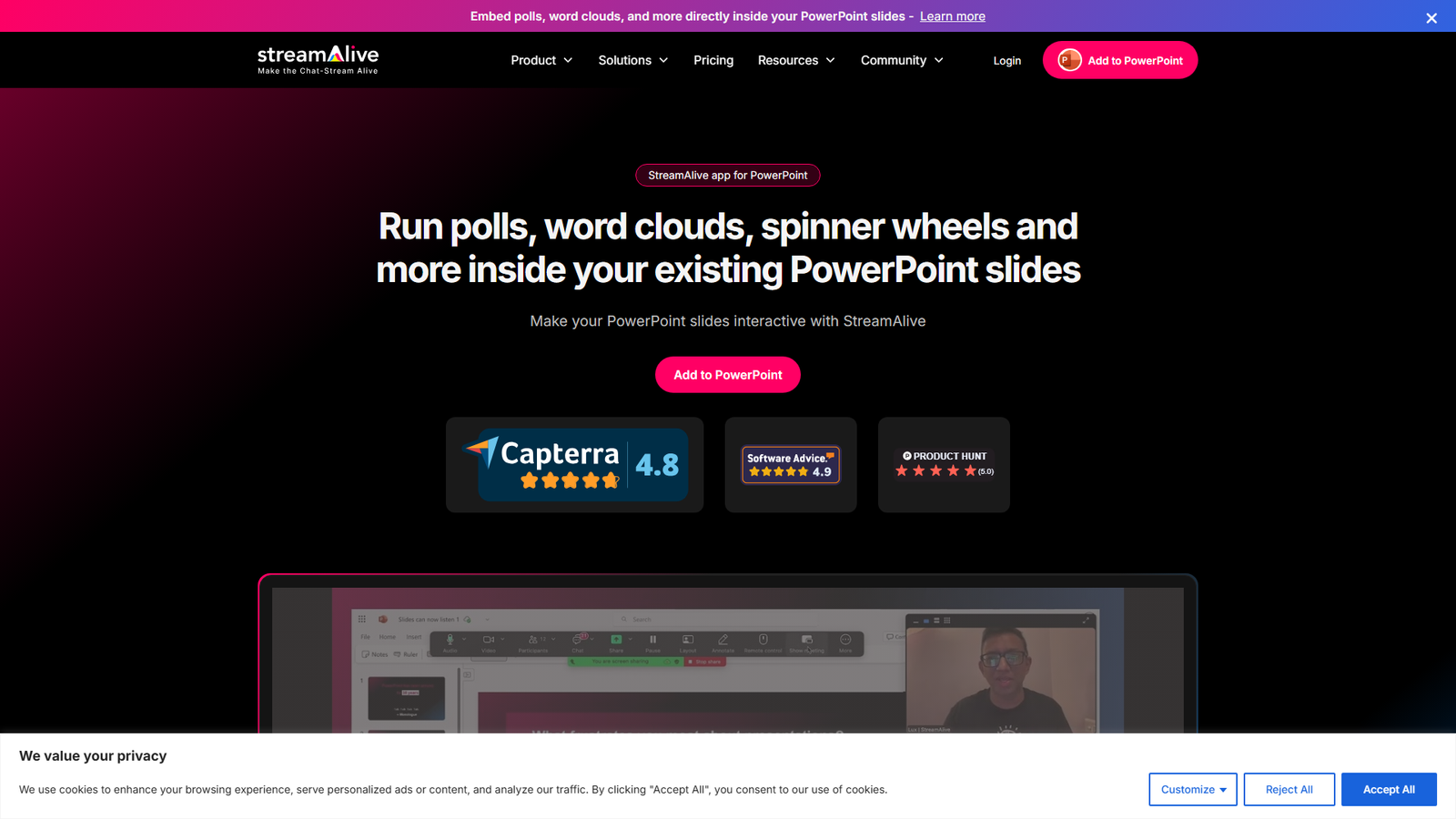
StreamAlive App for PowerPoint is a tool designed to integrate real-time audience interactions directly into existing PowerPoint presentations. It aims to eliminate the need for QR codes, second screens, or switching between presentation and interaction apps. Users can add various interactive elements like polls, word clouds, spinner wheels, interactive maps, and more. The audience participates by simply typing in the meeting chat (across platforms like Teams, Zoom, Google Meet), and the interactions update automatically on the shared PowerPoint slide. The app also leverages AI to generate interactions, summarize chat, and capture questions and links. It provides post-event analytics and offers 12 distinct interaction types, making it a comprehensive solution for enhancing engagement in live sessions, particularly for trainers, instructors, and educators.
Categories & Tags
Color Palette
Background White
#FFFFFF
Primary Text Dark Grey
#333333
Accent Blue
#4A90E2
Footer Dark Grey
#1C1C1C
Typography
Inter
Headings and Body Text (Sans-serif)
Design Review
Similar Products

Clear for Slack
Clear messages get answered quicker

Griply 2026
Achieve your goals with a goal-oriented task manager

HappyMail
We made email simple again

Blober.io
The easiest way to transfer files between cloud providers.

Supaguard
Scan, Detect & Protect Your Supabase Data

Timelines Time Tracking 4
Track your time to achieve your New Year resolutions.

SoftReveal — Reveal less. Engage more.
Hide Content, Reveal on Click

CalPal
The notebook calculator that thinks for you (now with AI).

Reword
Rewrite messages without leaving your workflow

Radial
Your shortcuts, one gesture away

MoovAI
Launch viral AI ads & pro social content in minutes

Resell AI
Reselling workflow with market-based price suggestions