
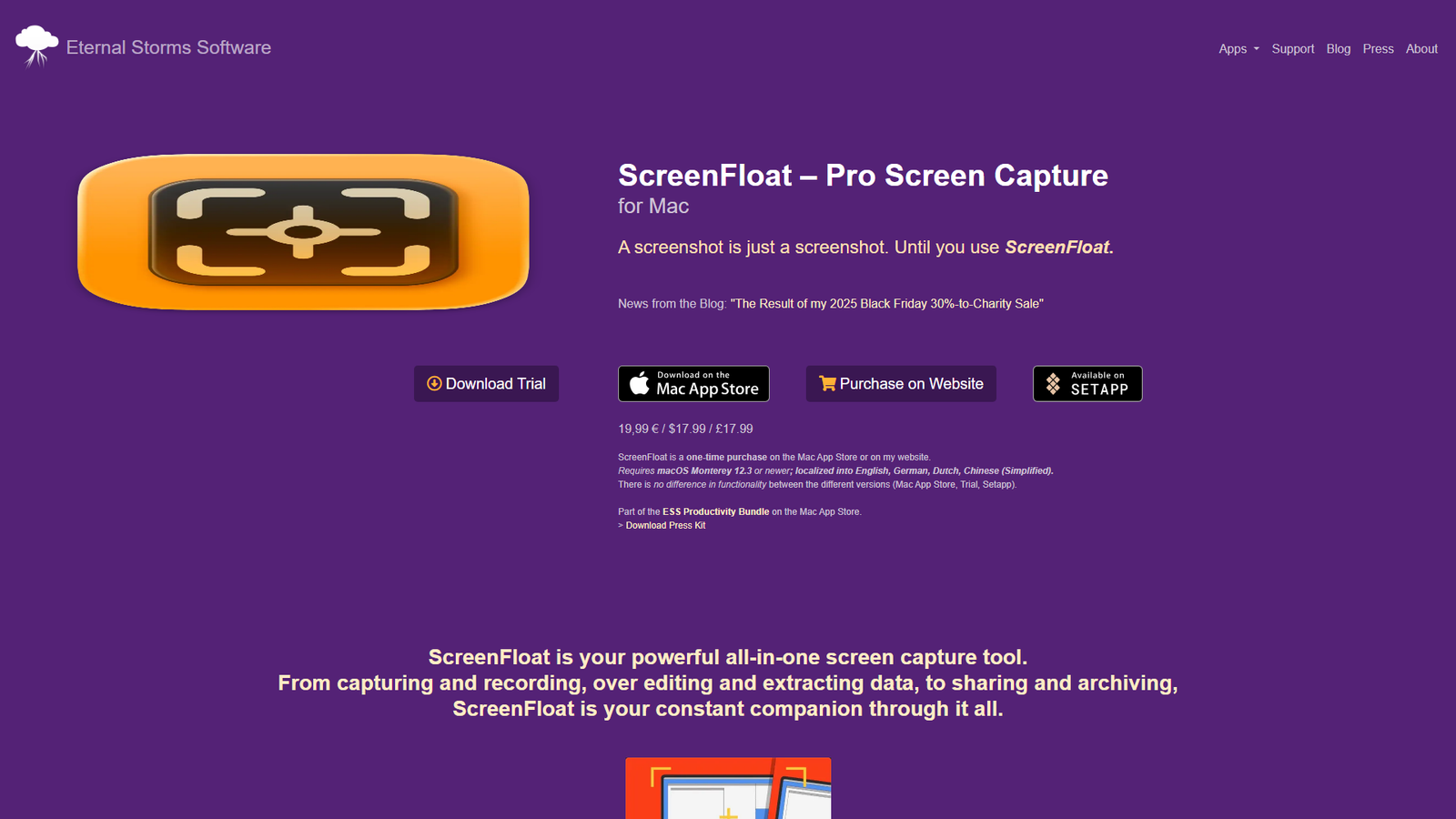

ScreenFloat
Your Mac's screen capture power tools
About
ScreenFloat is a professional screen capture application for Mac, designed to enhance the standard screenshot experience. It offers a wide array of features including floating shots that stay on top of other windows, non-destructive editing and annotation tools, robust organization with Smart Folders and a Tag Browser, and seamless iCloud synchronization across devices. The app also boasts extensive integration capabilities through Siri Shortcuts, AppleScript, Widgets, and URL schemes for automation. It supports advanced features like Spotlight search for shot content, privacy controls, custom file naming, and specialized system services for capturing menus or still images from QuickTime Player. ScreenFloat is a one-time purchase, compatible with macOS Monterey 12.3 or newer, and is localized into multiple languages.
Categories & Tags
Color Palette
Background White
#FFFFFF
Text Black
#000000
Link Blue
#007bff
Typography
System Sans-serif
Headings, Body Text, Links
Design Review
Similar Products

Clear for Slack
Clear messages get answered quicker

Griply 2026
Achieve your goals with a goal-oriented task manager

vibecoder.date
Find who you vibe with, git commit to love

HappyMail
We made email simple again

Blober.io
The easiest way to transfer files between cloud providers.

Supaguard
Scan, Detect & Protect Your Supabase Data

Timelines Time Tracking 4
Track your time to achieve your New Year resolutions.

SoftReveal — Reveal less. Engage more.
Hide Content, Reveal on Click

CalPal
The notebook calculator that thinks for you (now with AI).

Reword
Rewrite messages without leaving your workflow

Radial
Your shortcuts, one gesture away

MoovAI
Launch viral AI ads & pro social content in minutes