

Project G-Assist
On-GPU AI, built for the game
About
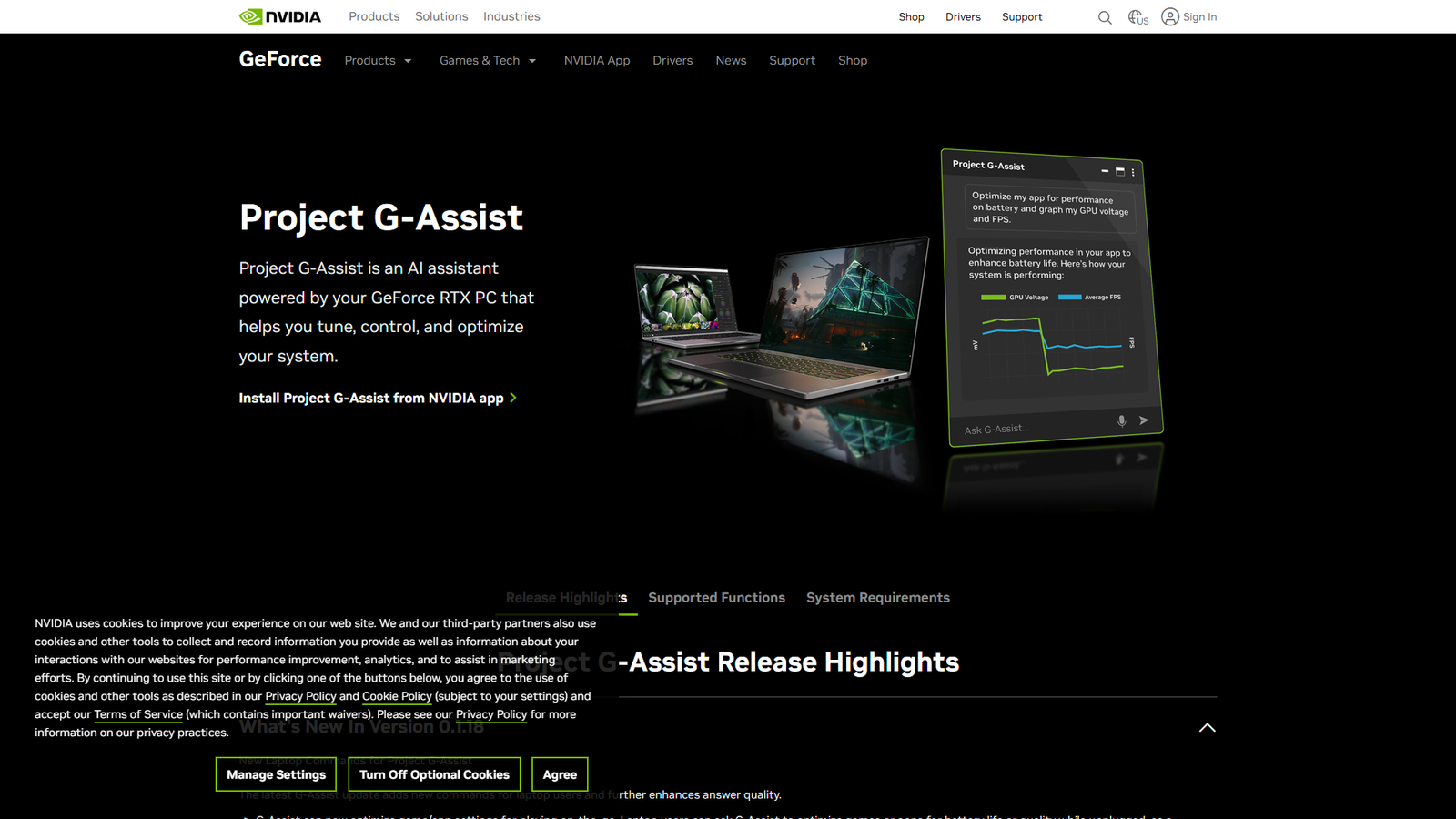
Project G-Assist is an experimental AI assistant for GeForce RTX AI PCs, accessible via the NVIDIA App. It allows users to maximize performance, optimize power efficiency, adjust game settings, get real-time diagnostics, chart performance metrics, and customize peripherals using simple voice or text commands. It runs locally on GeForce RTX GPUs (30 Series & above for voice commands) using a Llama-based Instruct model, making it responsive, free, and usable offline. The system is designed for community-driven expansion through plug-ins available on Mod.io, enabling integrations with various third-party devices and services like Logitech, Corsair, MSI, Discord, and Spotify. NVIDIA provides a GitHub repository with samples and instructions for developers to create and share their own plug-ins. The document details a comprehensive list of supported functions, including GeForce knowledge, graphics optimization, GPU overclocking, performance monitoring, driver updates, peripheral/room lighting control, and various graphing capabilities.
Categories & Tags
Color Palette
Design Review
Similar Products

Clear for Slack
Clear messages get answered quicker

Griply 2026
Achieve your goals with a goal-oriented task manager

Blober.io
The easiest way to transfer files between cloud providers.

Supaguard
Scan, Detect & Protect Your Supabase Data

CalPal
The notebook calculator that thinks for you (now with AI).

Reword
Rewrite messages without leaving your workflow

Resell AI
Reselling workflow with market-based price suggestions

Qwen-Image-2512
SOTA open-source T2I model with even greater realism

Mom Clock
You said you'd do it. So why didn't you?

OnlyHate
Filter out toxic positivity from social comments

Foundire
First-round interviews on autopilot

wink-cursor
A lightweight smiley cursor with "winks" on click