
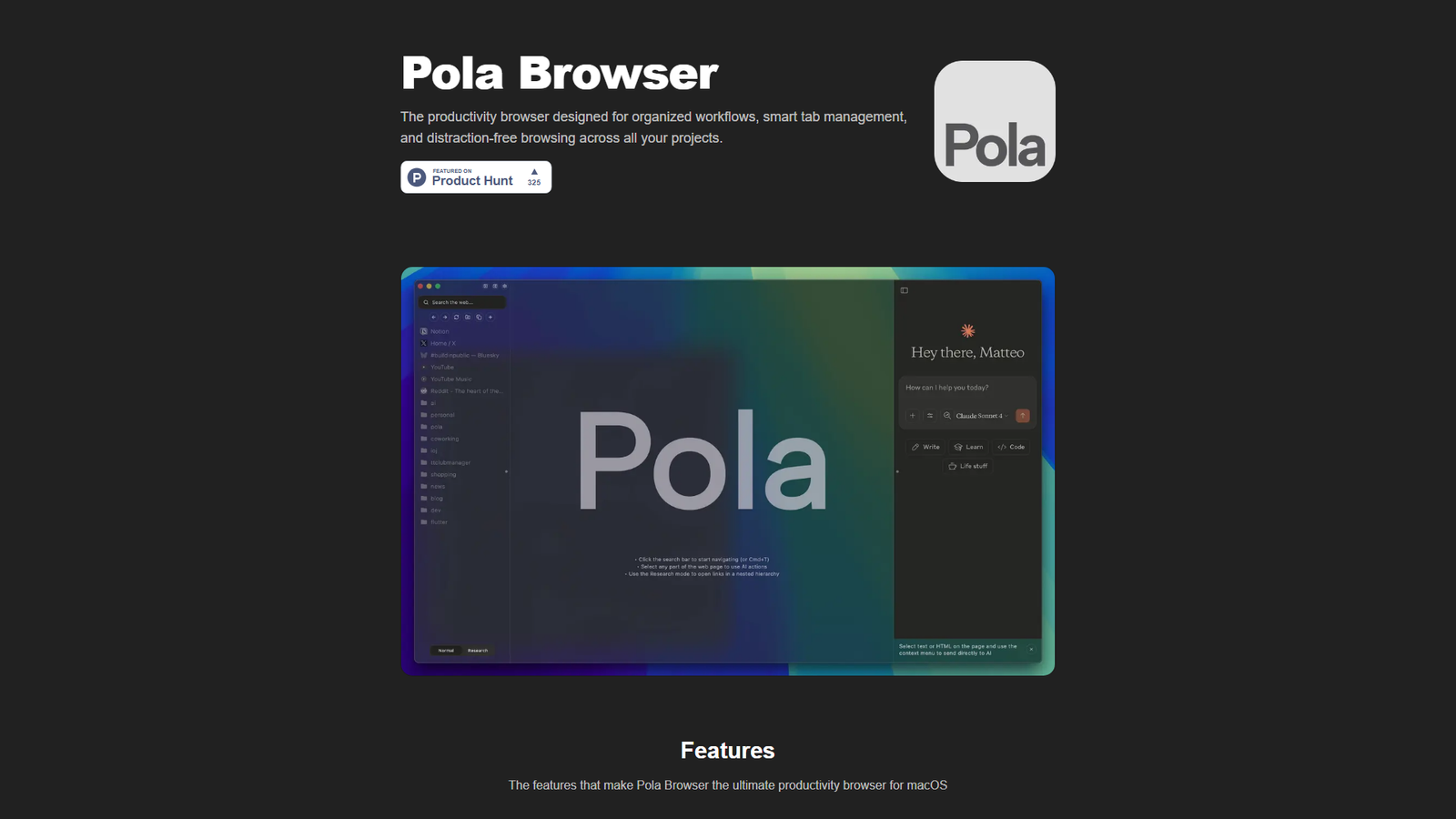

Pola Browser
Organized browser
About
Pola Browser is a productivity browser designed for macOS users, focusing on organized workflows, smart tab management, and distraction-free browsing across multiple projects. Key features include persistent tab folders, a visual 'Research mode' for tracking browsing journeys, 'Floating Tabs' for multitasking, 'Project profiles' for context switching, integrated 'Productivity AI tools', 'Experimental extensions' (like UBlock Origin Lite), intelligent memory management, 'Cloud Sync' via Google Drive, 'Intuitive media controls', 'Password manager + Autofill' with Apple Keychain, and extensive 'Keyboard shortcuts'. It emphasizes 'Privacy first' with no data tracking and is developed in Italy. The browser positions itself as a superior alternative to Arc, Safari, and Chrome in terms of performance, privacy, and productivity features. It offers a lifetime license after a 3-day free trial.
Categories & Tags
Color Palette
Dark Background
#1A1A1A
Light Text / UI Elements
#FFFFFF
Accent Blue
#007AFF
Neutral Gray (Product Hunt Badge)
#E0E0E0
Typography
Modern Sans-serif
Headings and Body Text
Design Review
Similar Products

Clear for Slack
Clear messages get answered quicker

Griply 2026
Achieve your goals with a goal-oriented task manager

vibecoder.date
Find who you vibe with, git commit to love

HappyMail
We made email simple again

Blober.io
The easiest way to transfer files between cloud providers.

Supaguard
Scan, Detect & Protect Your Supabase Data

Timelines Time Tracking 4
Track your time to achieve your New Year resolutions.

SoftReveal — Reveal less. Engage more.
Hide Content, Reveal on Click

CalPal
The notebook calculator that thinks for you (now with AI).

Reword
Rewrite messages without leaving your workflow

Radial
Your shortcuts, one gesture away

MoovAI
Launch viral AI ads & pro social content in minutes