

Pointer
Cursor-driven element inspection for DevTools workflow
About
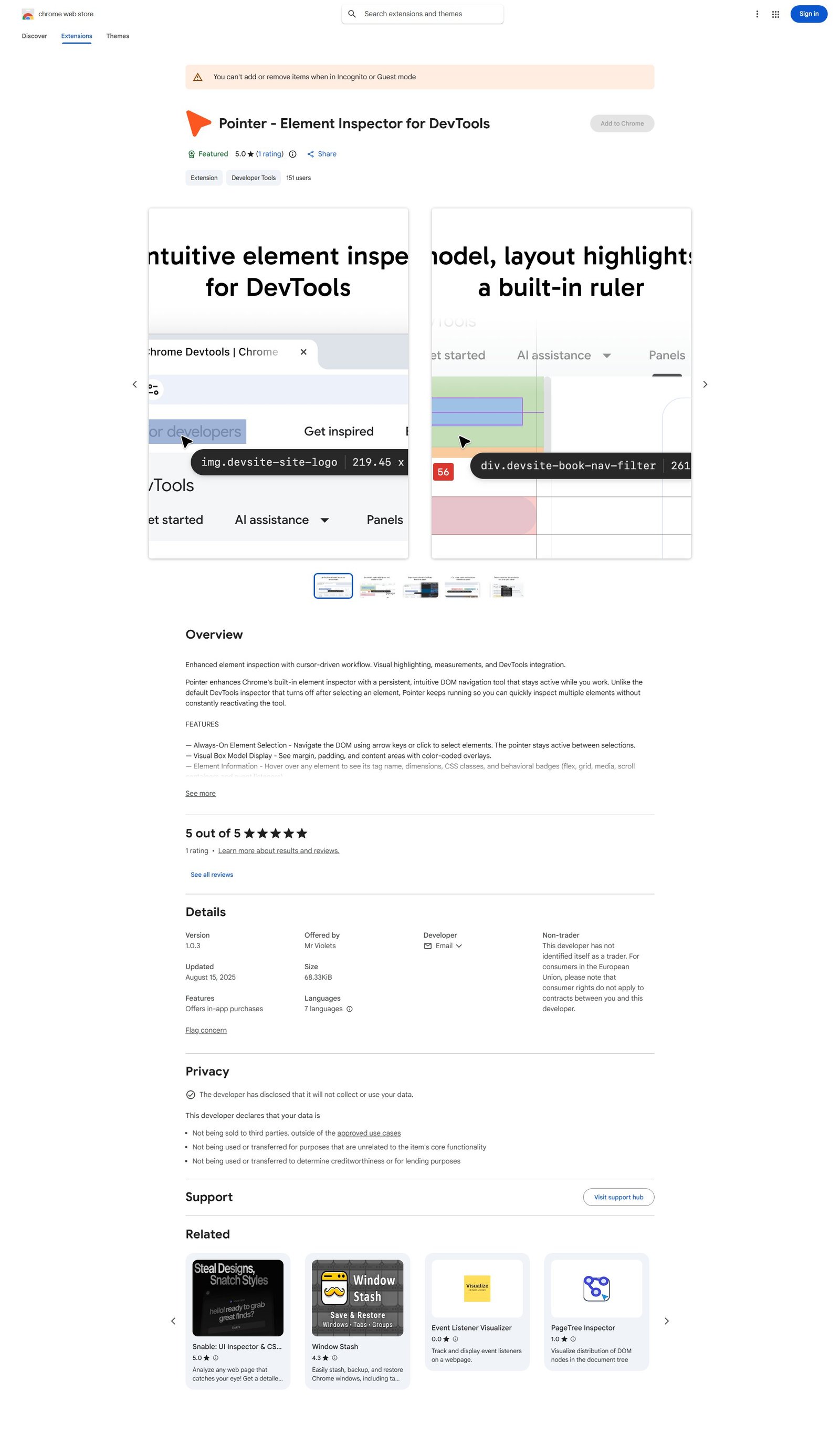
Pointer - Element Inspector for DevTools is a Chrome extension designed to enhance the default DevTools element inspector. It offers an "always-on" element selection mode, allowing users to navigate the DOM using arrow keys or clicks without needing to constantly reactivate the tool. Key features include a visual box model display with color-coded overlays, detailed element information on hover (tag name, dimensions, CSS classes, behavioral badges), a built-in ruler for pixel measurements, and seamless synchronization with Chrome DevTools. Pro features extend functionality with an inline attribute editor, a JavaScript console for executing commands in context, and a CSS selector search mode. It also supports direct DOM manipulation (cut, copy, paste, delete, duplicate) with full undo/redo capabilities.
Categories & Tags
Color Palette
Background White
#FFFFFF
Primary Blue
#1A73E8
Text Dark Grey
#202124
Border/Secondary Grey
#DADCE0
Typography
Roboto
Body and Headings
Google Sans
Headings (likely)
Design Review
Similar Products

Clear for Slack
Clear messages get answered quicker

Griply 2026
Achieve your goals with a goal-oriented task manager

vibecoder.date
Find who you vibe with, git commit to love

HappyMail
We made email simple again

Blober.io
The easiest way to transfer files between cloud providers.

Supaguard
Scan, Detect & Protect Your Supabase Data

Timelines Time Tracking 4
Track your time to achieve your New Year resolutions.

SoftReveal — Reveal less. Engage more.
Hide Content, Reveal on Click

CalPal
The notebook calculator that thinks for you (now with AI).

Reword
Rewrite messages without leaving your workflow

Radial
Your shortcuts, one gesture away

MoovAI
Launch viral AI ads & pro social content in minutes