

Back to Home
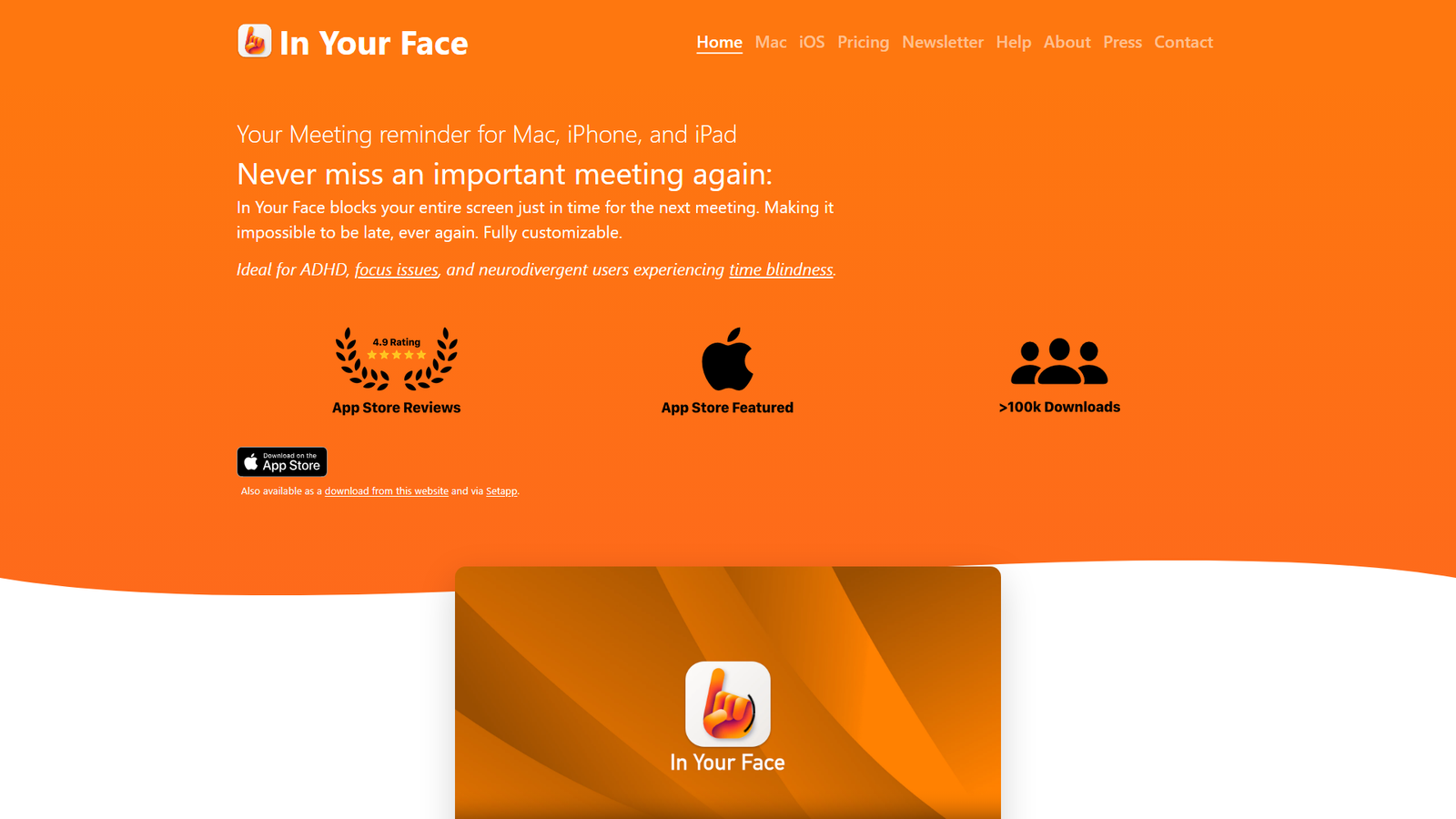
In Your Face for iOS Screenshot
In Your Face for iOS

In Your Face for iOS

The meeting reminder you can’t ignore

Visit Website
141 Upvotes

About

In Your Face is a meeting reminder application designed for Mac, iPhone, and iPad. It aims to prevent users from missing important meetings by blocking the entire screen with an unmissable alert just before the meeting starts. The app is particularly beneficial for individuals with ADHD, focus issues, and time blindness. It automatically detects video conference links in calendar events, supporting over 30 services, and allows users to join calls with a single click. Key features include customizable full-screen alerts, event filters, alert customization, pause functionality, custom sounds, integration with Apple Reminders, themes, and keyboard shortcuts. The app is available for download from the App Store, directly from its website, and via Setapp.


Color Palette

White

#FFFFFF

60%

Primary Blue

#007AFF

20%

Dark Grey / Black

#333333

15%

Typography

SF Pro Display (inferred)

Headings and Body Text

Aa

System Sans-serif

General text

Aa

Design Review

The design of the 'In Your Face' landing page is highly effective, prioritizing clarity and functionality. The overall theme is distinctly light, utilizing a clean white background that provides excellent contrast for the dark grey text and vibrant blue accents. This minimalist approach ensures that the content is easily digestible and the product's core message is immediately apparent. The color palette is simple yet impactful. A bright, modern blue (likely a shade similar to Apple's standard blue, e.g., #007AFF) is strategically used for branding elements, call-to-action buttons, and links, drawing the user's eye to key interactive areas. The predominant use of white for the background and dark grey for text creates a professional and uncluttered aesthetic, enhancing readability. There are no distracting gradients or complex textures, maintaining a very clean and focused look. While specific font names are not provided, the typography appears to be a modern, sans-serif typeface, consistent across headings and body text. This choice aligns with the app's functional and contemporary nature, likely leveraging system fonts like SF Pro Display for a native feel on Apple platforms. The use of bolding for key phrases and headings effectively guides the user through the information. Design tags such as 'Minimalist,' 'Clean,' 'Modern,' and 'Functional' accurately describe the page's aesthetic. The layout is straightforward, with clear sections, prominent product screenshots, and concise explanations. The testimonials are well-integrated, adding social proof without disrupting the visual flow. The design successfully communicates the app's benefits and ease of use, making it appealing to its target audience, particularly those seeking a reliable solution for time management and meeting attendance.

Similar Products

Clear for Slack

Clear for Slack

Clear messages get answered quicker

155
Griply 2026

Griply 2026

Achieve your goals with a goal-oriented task manager

87
vibecoder.date

vibecoder.date

Find who you vibe with, git commit to love

80
HappyMail

HappyMail

We made email simple again

73
Blober.io

Blober.io

The easiest way to transfer files between cloud providers.

65
Supaguard

Supaguard

Scan, Detect & Protect Your Supabase Data

64
Timelines Time Tracking 4

Timelines Time Tracking 4

Track your time to achieve your New Year resolutions.

63
SoftReveal — Reveal less. Engage more.

SoftReveal — Reveal less. Engage more.

Hide Content, Reveal on Click

62
CalPal

CalPal

The notebook calculator that thinks for you (now with AI).

61
Reword

Reword

Rewrite messages without leaving your workflow

59
Radial

Radial

Your shortcuts, one gesture away

59
MoovAI

MoovAI

Launch viral AI ads & pro social content in minutes

57
