
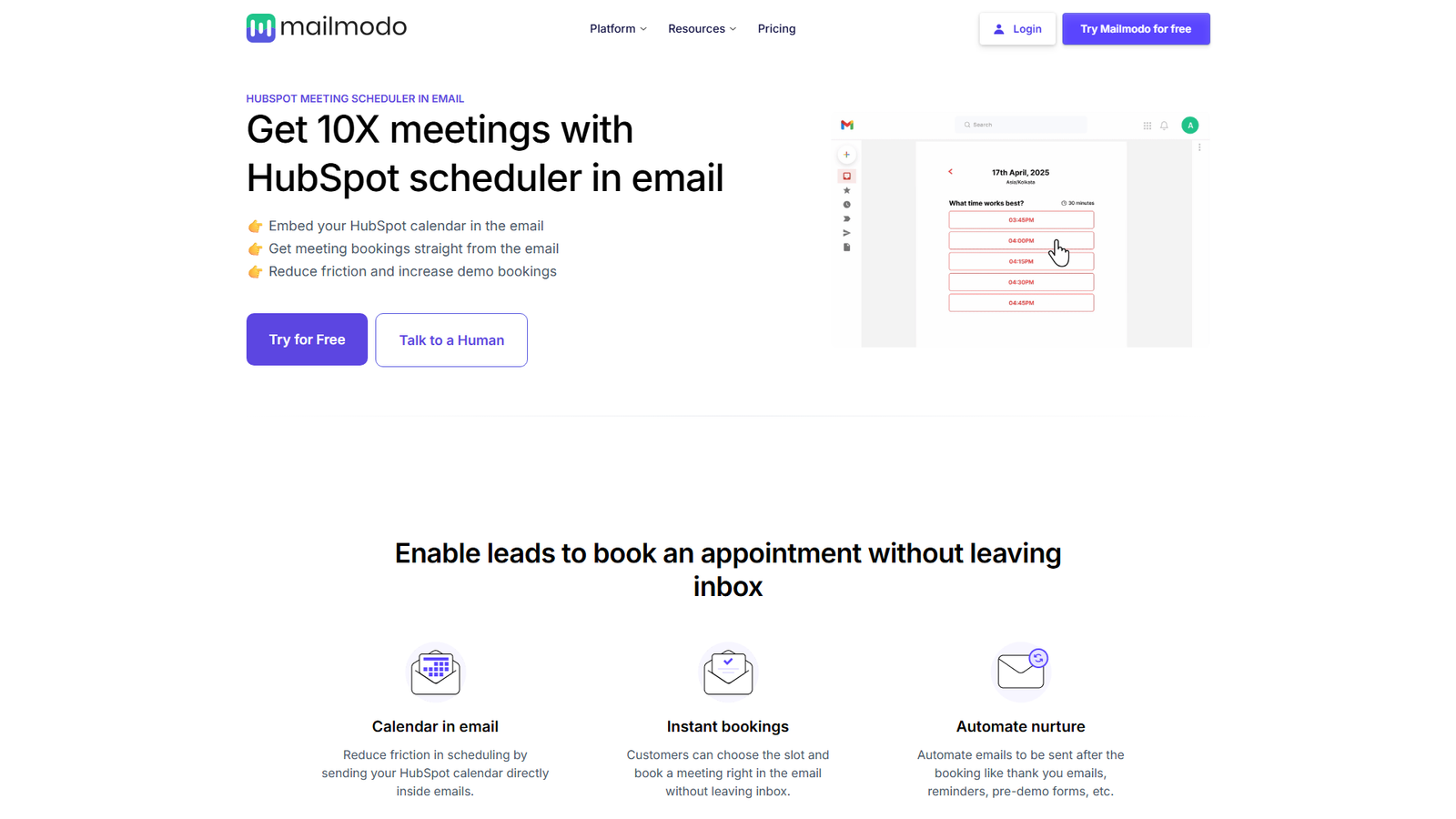

HubSpot Meeting Scheduler in Email
More meetings. Less drop-offs.
About
The Mailmodo landing page focuses on its HubSpot meeting scheduler integration, allowing users to embed their HubSpot calendar directly into emails. This feature aims to significantly reduce friction and increase meeting and demo bookings by enabling recipients to schedule appointments without leaving their inbox. The page details various use cases, from recovering dropped-off demos and nurturing sign-ups to booking onboarding calls and collecting feedback. It provides a clear, three-step guide on how to integrate and use the scheduler, showcases ready-to-use email templates, and highlights Mailmodo's broader capabilities, including a no-code editor, interactive AMP emails, managed deliverability, automated workflows, personalized emails, and robust analytics. The platform also introduces 'Mailmodo AI' as an assistant for email marketing tasks.
Categories & Tags
Color Palette
Primary Green (CTA)
#00C881
Mailmodo Blue (Accent)
#4A47E4
Dark Grey (Text)
#1A1A1A
White (Background)
#FFFFFF
Typography
Modern Sans-serif
Headings, Body Text, Navigation
Design Review
Similar Products

Clear for Slack
Clear messages get answered quicker

Griply 2026
Achieve your goals with a goal-oriented task manager

HappyMail
We made email simple again

Blober.io
The easiest way to transfer files between cloud providers.

Supaguard
Scan, Detect & Protect Your Supabase Data

Timelines Time Tracking 4
Track your time to achieve your New Year resolutions.

SoftReveal — Reveal less. Engage more.
Hide Content, Reveal on Click

Reword
Rewrite messages without leaving your workflow

Radial
Your shortcuts, one gesture away

MoovAI
Launch viral AI ads & pro social content in minutes

Resell AI
Reselling workflow with market-based price suggestions

Qwen-Image-2512
SOTA open-source T2I model with even greater realism