
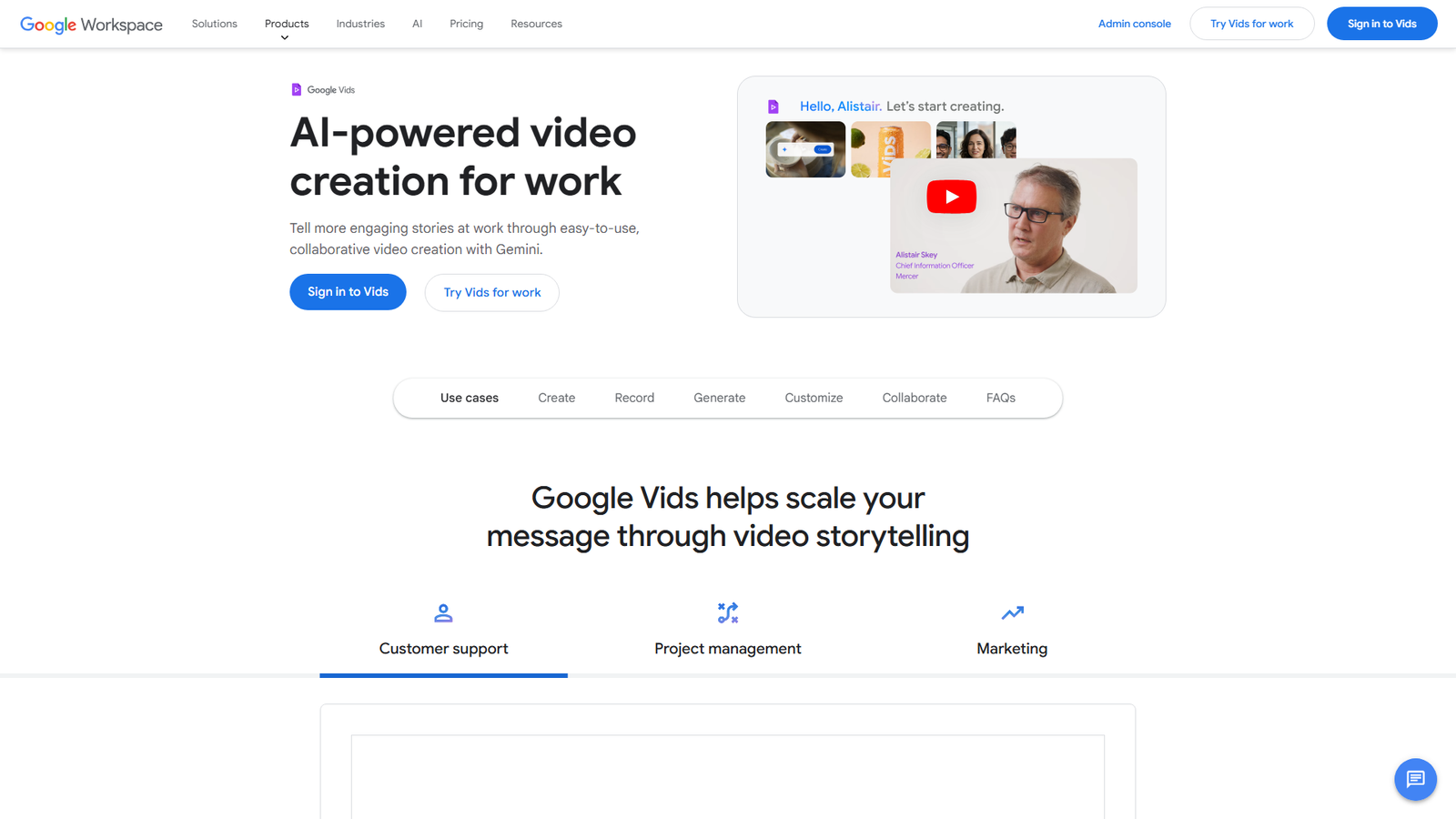

Google Vids
AI-powered video creation for work
About
Google Vids is a video creation and collaboration tool integrated into Google Workspace. It enables users to add visual interest with animations, transitions, photo effects, and object tracking. The platform provides access to stock videos, images, and music, and allows users to import media from Google Drive. Collaboration is made easy with sharing permissions similar to Docs, Sheets, and Slides, all within Workspace. Videos can be viewed in-browser with auto-generated closed captions, and content is encrypted by default with privacy controls. Google Vids is generally available on Business and Enterprise Workspace plans, as well as Google AI Pro and Ultra plans for consumers. It is currently optimized for desktop use, with AI features and templates available in English.
Categories & Tags
Color Palette
Background White
#FFFFFF
Google Blue
#4285F4
Dark Gray Text
#202124
Light Gray Accents
#DADCE0
Typography
Roboto
Body text, UI elements
Google Sans
Headings (inferred)
Design Review
Similar Products

Clear for Slack
Clear messages get answered quicker

Griply 2026
Achieve your goals with a goal-oriented task manager

vibecoder.date
Find who you vibe with, git commit to love

HappyMail
We made email simple again

Blober.io
The easiest way to transfer files between cloud providers.

Supaguard
Scan, Detect & Protect Your Supabase Data

Timelines Time Tracking 4
Track your time to achieve your New Year resolutions.

SoftReveal — Reveal less. Engage more.
Hide Content, Reveal on Click

CalPal
The notebook calculator that thinks for you (now with AI).

Reword
Rewrite messages without leaving your workflow

Radial
Your shortcuts, one gesture away

MoovAI
Launch viral AI ads & pro social content in minutes