
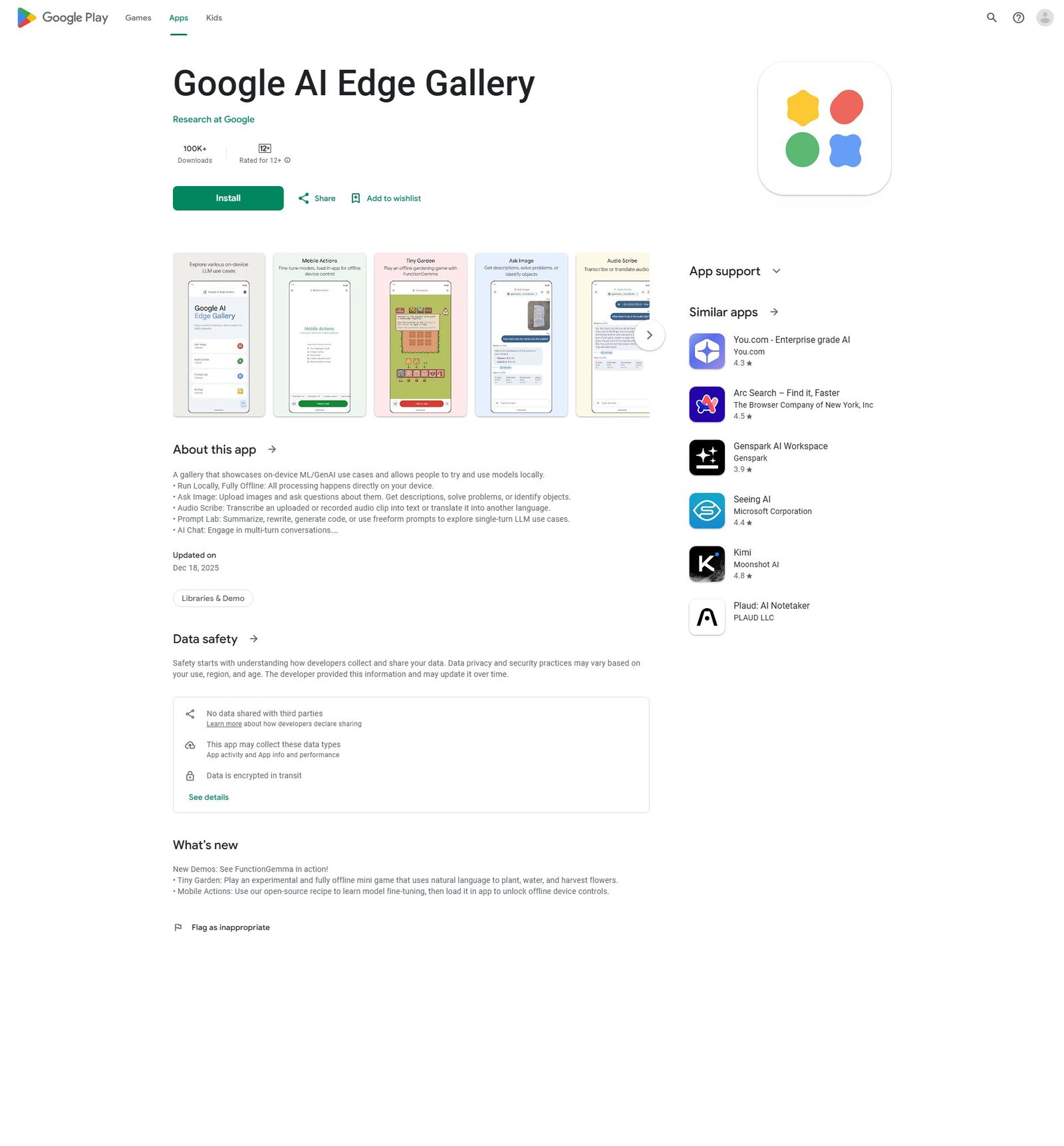

Google AI Edge Gallery
Gallery of on-device ML/GenAI demos to try locally
About
Google AI Edge Gallery is an Android application developed by Research at Google, designed to showcase on-device Machine Learning (ML) and Generative AI (GenAI) use cases. It allows users to try and use various AI models locally and fully offline. Key features include 'Ask Image' for querying images, 'Audio Scribe' for transcribing or translating audio, 'Prompt Lab' for LLM tasks like summarization and code generation, 'AI Chat' for multi-turn conversations, 'Tiny Garden' an experimental offline mini-game, and 'Mobile Actions' for learning model fine-tuning to unlock offline device controls. The app is in active development, has over 100K downloads, is rated for 12+, and its source code is available on GitHub.
Categories & Tags
Color Palette
White
#FFFFFF
Dark Grey
#202124
Google Blue
#1A73E8
Medium Grey
#70757A
Typography
Roboto
Headings, Body Text, UI Elements
Design Review
Similar Products

Clear for Slack
Clear messages get answered quicker

Griply 2026
Achieve your goals with a goal-oriented task manager

vibecoder.date
Find who you vibe with, git commit to love

HappyMail
We made email simple again

Blober.io
The easiest way to transfer files between cloud providers.

Supaguard
Scan, Detect & Protect Your Supabase Data

Timelines Time Tracking 4
Track your time to achieve your New Year resolutions.

SoftReveal — Reveal less. Engage more.
Hide Content, Reveal on Click

CalPal
The notebook calculator that thinks for you (now with AI).

Reword
Rewrite messages without leaving your workflow

Radial
Your shortcuts, one gesture away

MoovAI
Launch viral AI ads & pro social content in minutes