

Filter Everything Online
Filter any content, on any site
About
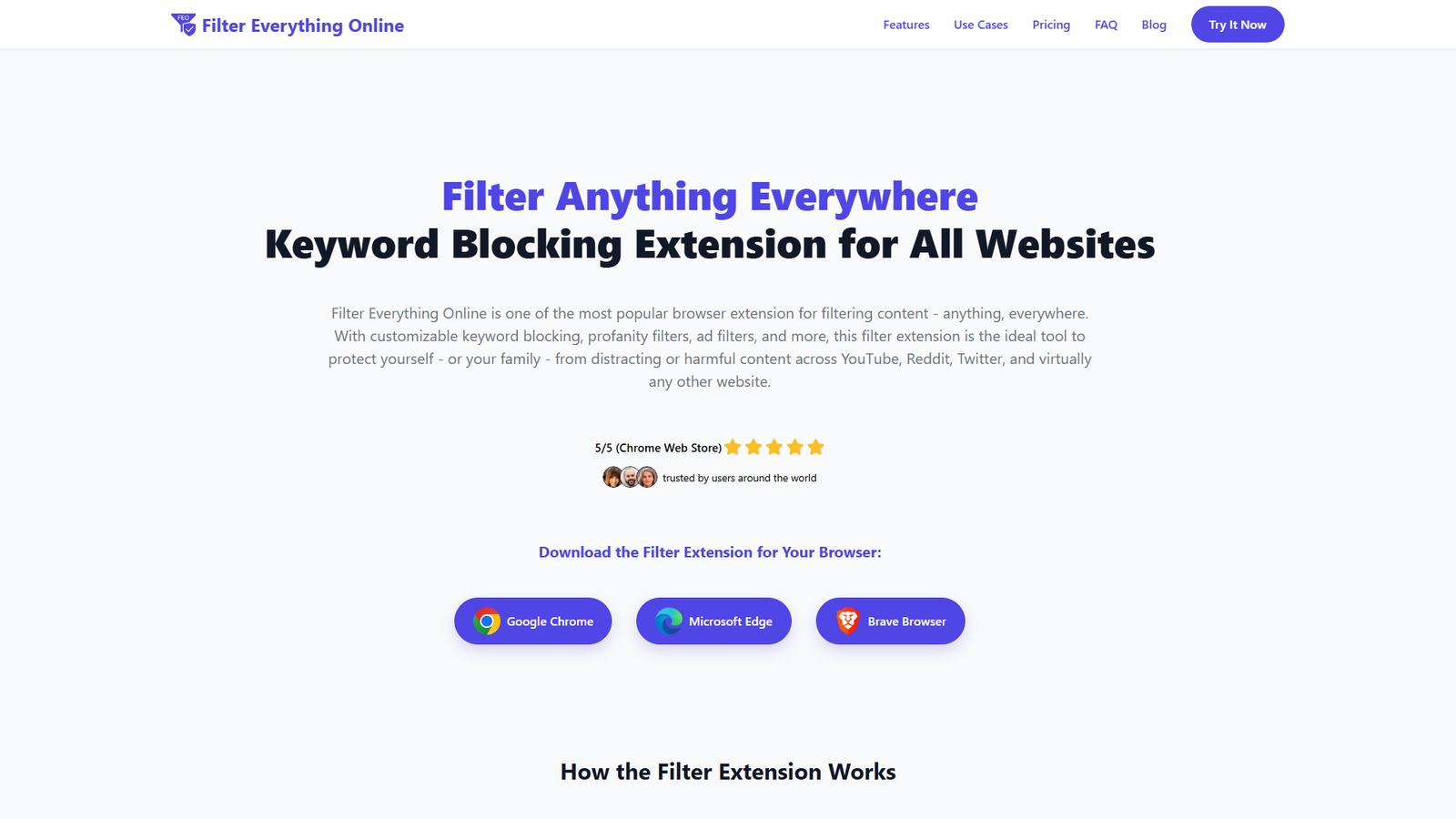
Filter Everything Online is a browser extension designed for comprehensive content filtering across all websites, including popular platforms like YouTube, Reddit, and Twitter. It empowers users to block or replace unwanted content using customizable keyword filters, offering features such as scheduled filtering, site-specific exceptions, and keyword groups. The extension aims to enhance mental health, productivity, and safe browsing by protecting users and families from distracting, harmful, or negative online content. It is currently available for Google Chrome, Microsoft Edge, and Brave Browser, with upcoming features including AI content filtering, ad blocking, and cloud synchronization across devices.
Categories & Tags
Color Palette
Primary Blue
#007bff
Background White
#FFFFFF
Text Dark Gray
#333333
Subtle Gray
#f8f9fa
Typography
Inter
Headings and Body Text
Design Review
Similar Products

Clear for Slack
Clear messages get answered quicker

Griply 2026
Achieve your goals with a goal-oriented task manager

vibecoder.date
Find who you vibe with, git commit to love

HappyMail
We made email simple again

Blober.io
The easiest way to transfer files between cloud providers.

Supaguard
Scan, Detect & Protect Your Supabase Data

Timelines Time Tracking 4
Track your time to achieve your New Year resolutions.

SoftReveal — Reveal less. Engage more.
Hide Content, Reveal on Click

CalPal
The notebook calculator that thinks for you (now with AI).

Reword
Rewrite messages without leaving your workflow

Radial
Your shortcuts, one gesture away

MoovAI
Launch viral AI ads & pro social content in minutes