
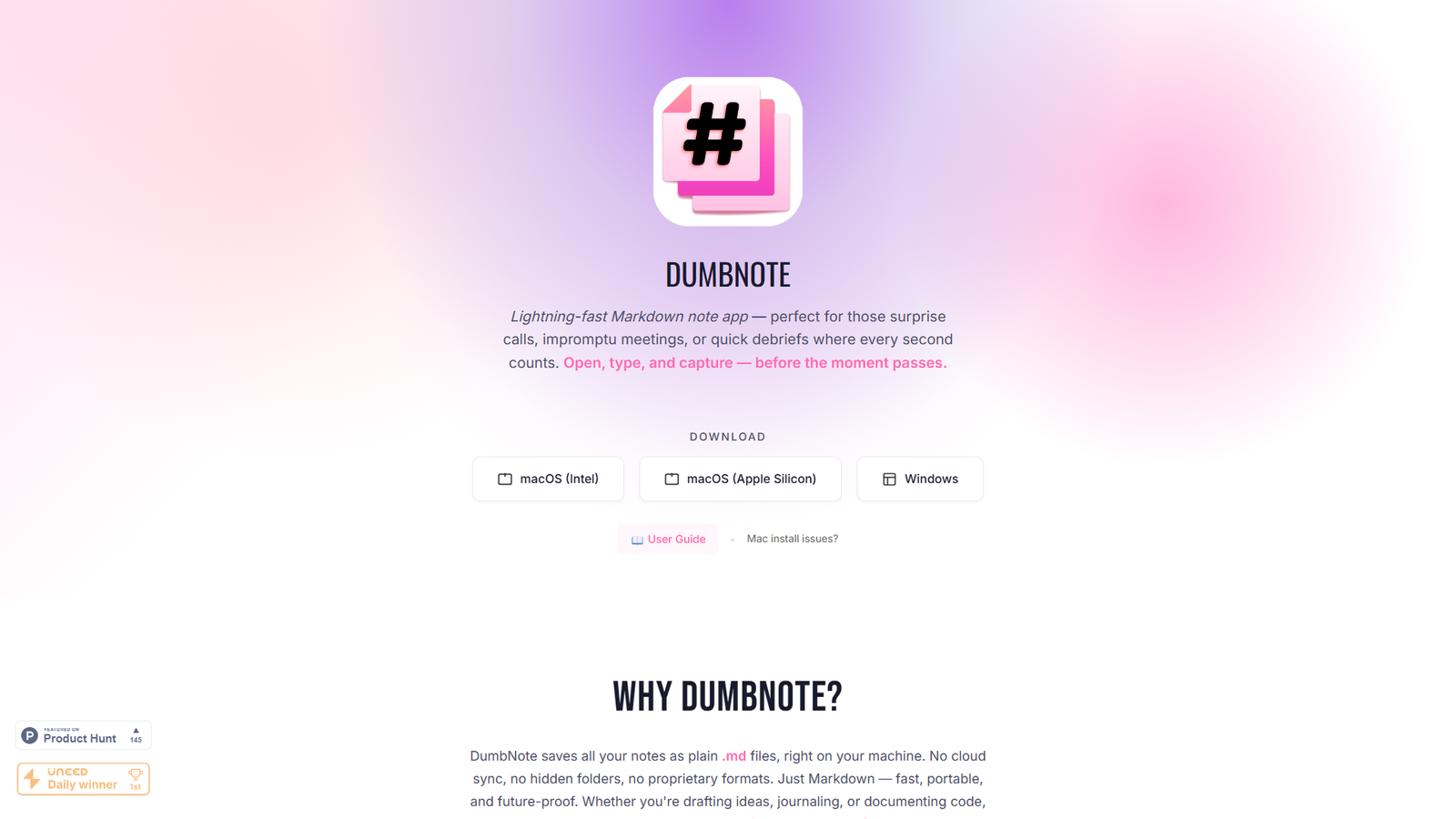

Dumbnote
Offline-first Markdown note app. No lock-in. Just write.
About
Dumbnote is a lightning-fast Markdown note app designed for quick capture and distraction-free writing. It saves all notes as plain .md files locally, ensuring no cloud lock-in and future-proof readability. Key features include one-click PDF export, multi-note windows, full Markdown compatibility, GitHub Gist export, and import of existing Markdown files. The app emphasizes a 'just write' philosophy with live preview, emoji shortcuts, collapsible sections, wiki-style linking, and drag-and-drop support for various file types. It's a zero-setup, no-subscription desktop app available for macOS and Windows, prioritizing privacy and local data storage. It also offers a companion free online/offline mind mapping tool, Dumbnote Mindmap.
Categories & Tags
Color Palette
White
#FFFFFF
Dark Grey / Black
#282C34
Accent Blue
#007BFF
Accent Purple
#C678DD
Typography
Sans-serif
Headings and Body text on landing page, general app UI
Monospace
Code blocks within the app
Design Review
Similar Products

Clear for Slack
Clear messages get answered quicker

Griply 2026
Achieve your goals with a goal-oriented task manager

HappyMail
We made email simple again

Blober.io
The easiest way to transfer files between cloud providers.

Supaguard
Scan, Detect & Protect Your Supabase Data

Timelines Time Tracking 4
Track your time to achieve your New Year resolutions.

SoftReveal — Reveal less. Engage more.
Hide Content, Reveal on Click

CalPal
The notebook calculator that thinks for you (now with AI).

Reword
Rewrite messages without leaving your workflow

Radial
Your shortcuts, one gesture away

MoovAI
Launch viral AI ads & pro social content in minutes

Resell AI
Reselling workflow with market-based price suggestions