
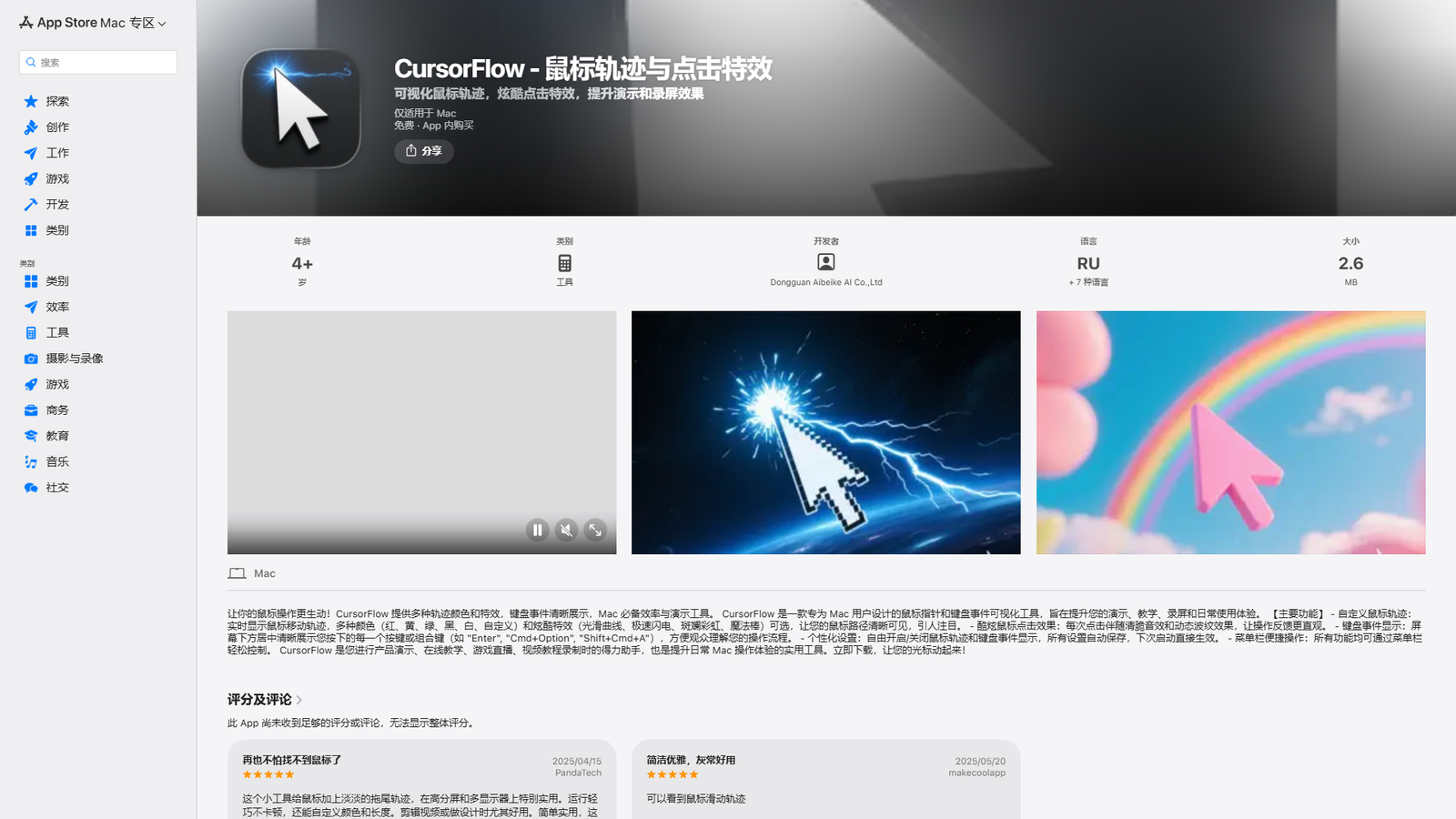

CursorFlow
Visualize your cursor tracks and keystrokes on macOS
About
CursorFlow is a Mac application designed to enhance presentations, teaching, screen recording, and daily use by visualizing mouse movements and keyboard events. It offers customizable mouse trails with various colors (red, yellow, green, black, white, custom) and cool effects (smooth curve, lightning, rainbow, magic wand). It also provides cool mouse click effects with sound and dynamic ripples, and clearly displays pressed keys or key combinations on the screen. The app allows for personalized settings, which are automatically saved, and all functions are easily accessible via the menu bar. It is a free app with in-app purchases, suitable for ages 4+, and requires macOS 12.4 or higher. The developer is Dongguan Aibeike AI Co.,Ltd.
Categories & Tags
Color Palette
Background White
#FFFFFF
Text Black/Dark Grey
#000000
Link Blue
#007AFF
Typography
SF Pro
Heading and Body Text
System Sans-serif
Fallback for all text elements
Design Review
Similar Products

Clear for Slack
Clear messages get answered quicker

Griply 2026
Achieve your goals with a goal-oriented task manager

HappyMail
We made email simple again

Blober.io
The easiest way to transfer files between cloud providers.

Supaguard
Scan, Detect & Protect Your Supabase Data

Timelines Time Tracking 4
Track your time to achieve your New Year resolutions.

SoftReveal — Reveal less. Engage more.
Hide Content, Reveal on Click

CalPal
The notebook calculator that thinks for you (now with AI).

Reword
Rewrite messages without leaving your workflow

MoovAI
Launch viral AI ads & pro social content in minutes

Resell AI
Reselling workflow with market-based price suggestions

Qwen-Image-2512
SOTA open-source T2I model with even greater realism