

Code View (Beta)
Track, visualize, and restore your code changes
About
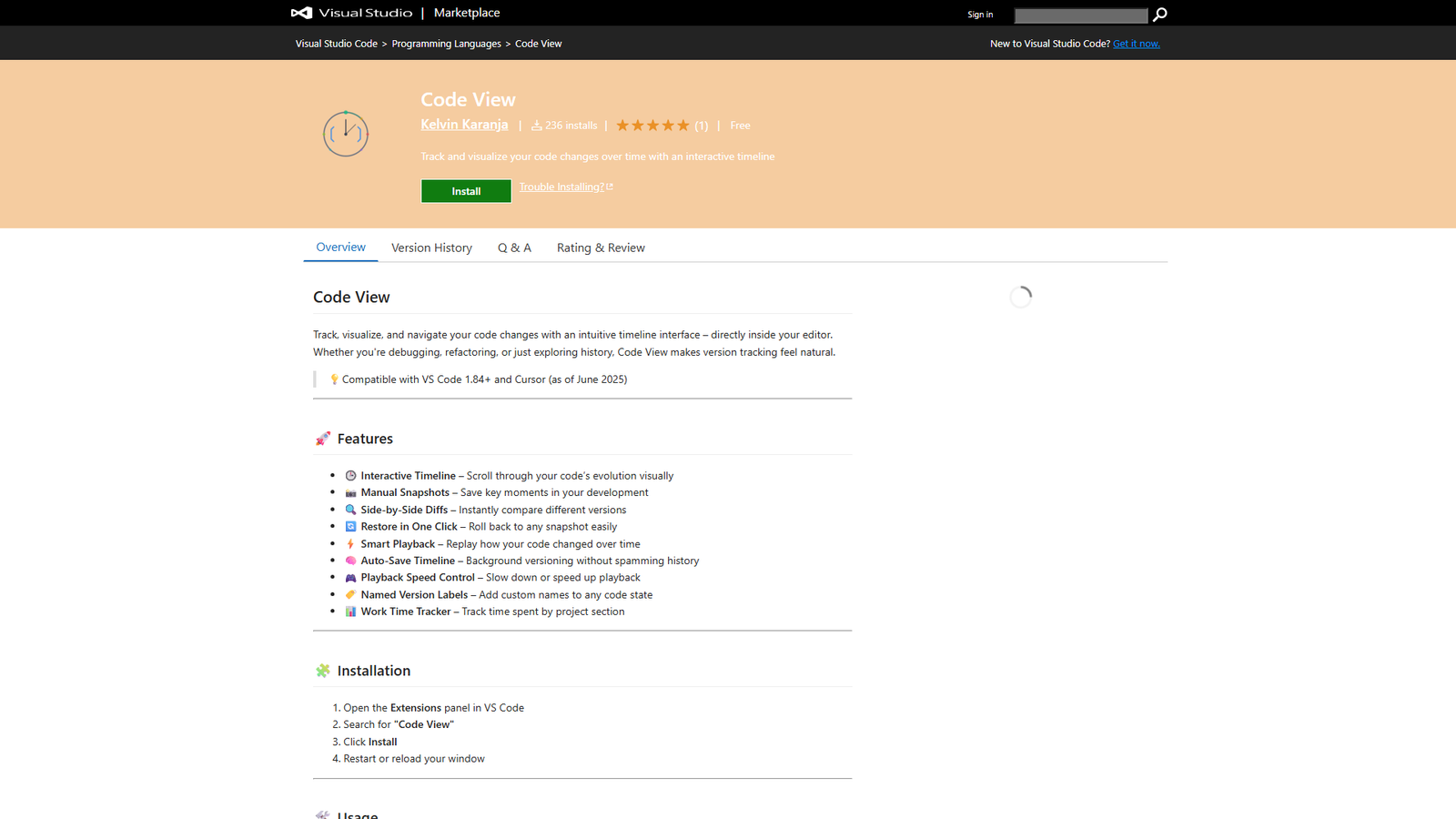
Code View is a Visual Studio Code extension designed to help developers track, visualize, and navigate their code changes over time through an intuitive timeline interface. Key features include interactive timeline scrolling, manual snapshot creation, side-by-side diffs for version comparison, one-click restoration, smart playback of code evolution, automatic background versioning, playback speed control, named version labels, and a work time tracker categorized by project section. It aims to provide clarity, control, and context directly within the editor, compatible with VS Code 1.84+ and Cursor.
Categories & Tags
Color Palette
Background White
#FFFFFF
Text Dark Gray
#333333
Accent Blue
#0078D4
Star Gold
#FFD700
Typography
Segoe UI
Headings and Body Text
Sans-serif (System Default)
General UI elements and fallback
Design Review
Similar Products

Clear for Slack
Clear messages get answered quicker

Griply 2026
Achieve your goals with a goal-oriented task manager

HappyMail
We made email simple again

Blober.io
The easiest way to transfer files between cloud providers.

Supaguard
Scan, Detect & Protect Your Supabase Data

Timelines Time Tracking 4
Track your time to achieve your New Year resolutions.

SoftReveal — Reveal less. Engage more.
Hide Content, Reveal on Click

CalPal
The notebook calculator that thinks for you (now with AI).

Reword
Rewrite messages without leaving your workflow

Radial
Your shortcuts, one gesture away

MoovAI
Launch viral AI ads & pro social content in minutes

Resell AI
Reselling workflow with market-based price suggestions