

Claude Code History Viewer
Browse and analyze your Claude Code conversation history
About
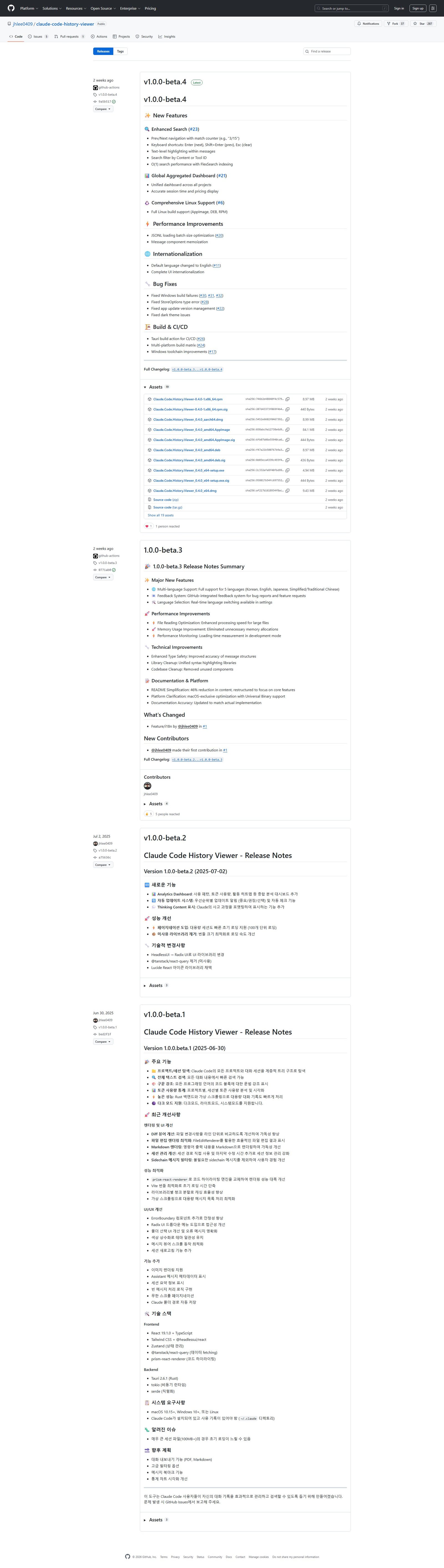
Claude Code History Viewer is a desktop application designed to help users manage, search, and analyze their conversation history with Claude Code. It offers hierarchical project/session exploration, full-text search with advanced features like prev/next navigation, text-level highlighting, and content/tool ID filtering. The application includes syntax highlighting for code blocks, token usage statistics, an analytics dashboard (usage patterns, token usage, activity heatmap), and an auto-update system. Built with a Rust backend, it ensures high performance with virtual scrolling and optimized loading. It supports multiple languages (Korean, English, Japanese, Simplified/Traditional Chinese), features a feedback system, and provides comprehensive support across Linux, macOS, and Windows. Recent updates include a global aggregated dashboard for session time and pricing, and robust CI/CD for multi-platform builds. The product also supports dark mode.
Categories & Tags
Color Palette
Primary Text
#24292e
Background White
#ffffff
GitHub Blue (Links/Accents)
#0366d6
Secondary Text/Borders
#586069
Typography
System Sans-serif
Body text, headings, UI elements
Monospace
Code blocks, commit hashes
Design Review
Similar Products

Clear for Slack
Clear messages get answered quicker

Griply 2026
Achieve your goals with a goal-oriented task manager

HappyMail
We made email simple again

Blober.io
The easiest way to transfer files between cloud providers.

Supaguard
Scan, Detect & Protect Your Supabase Data

Timelines Time Tracking 4
Track your time to achieve your New Year resolutions.

SoftReveal — Reveal less. Engage more.
Hide Content, Reveal on Click

CalPal
The notebook calculator that thinks for you (now with AI).

Reword
Rewrite messages without leaving your workflow

Radial
Your shortcuts, one gesture away

MoovAI
Launch viral AI ads & pro social content in minutes

Resell AI
Reselling workflow with market-based price suggestions