

Blur It
Blur sensitive info with ease
About
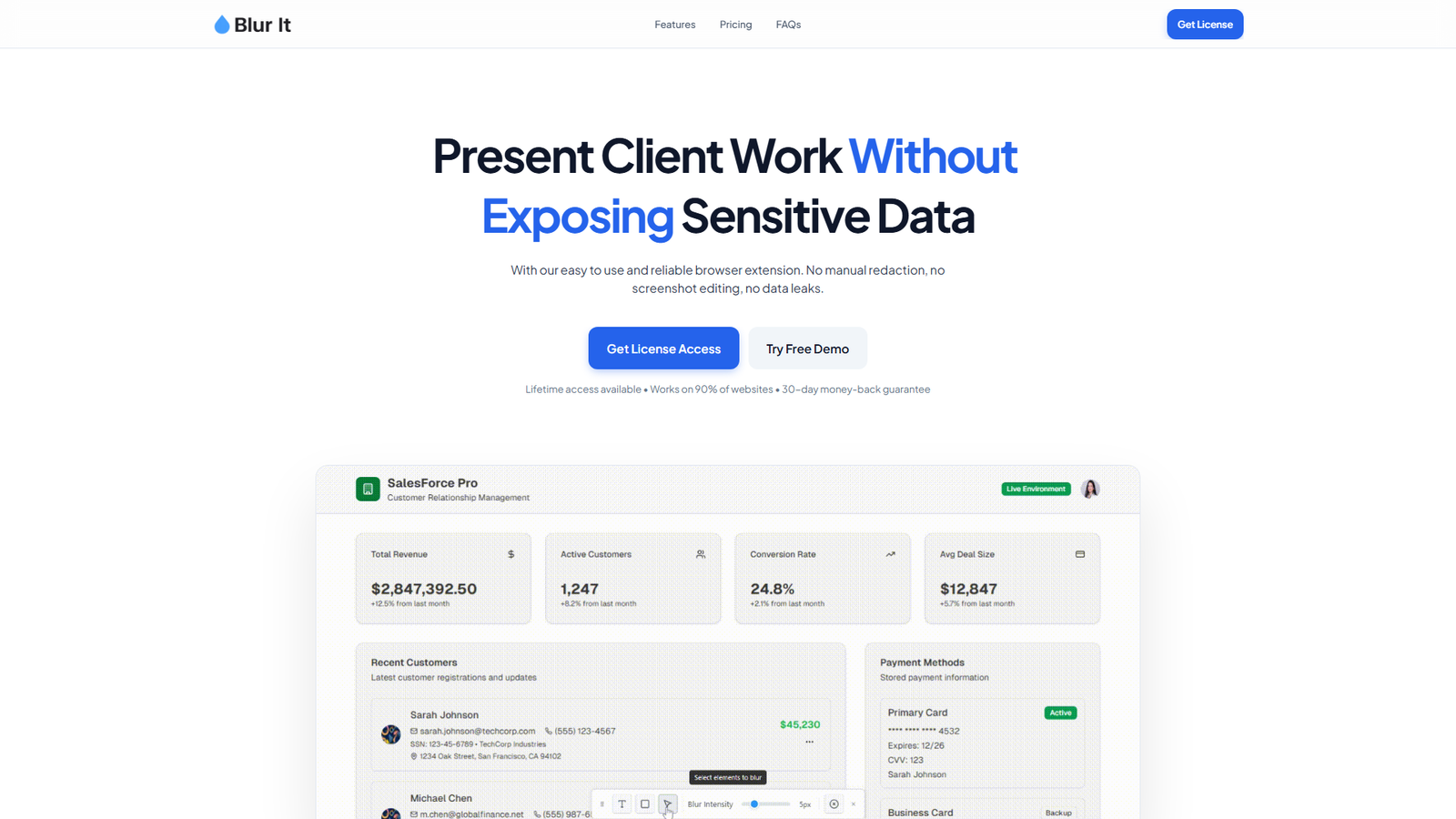
Blur It is a browser extension designed to help professionals present client work or sensitive information during screen shares, demos, or recordings without exposing confidential data. It offers an easy-to-use interface that automatically detects and blurs sensitive elements like names, photos, tables, credit cards, SSNs, and revenue numbers, eliminating the need for manual redaction or screenshot editing. The extension runs locally on the browser, ensuring data privacy, and is compatible with all Chromium-based browsers (Chrome, Edge, Brave, Opera, Arc). It provides both monthly and lifetime license options, includes features like auto-blur automation and persistence on refresh, and comes with a 30-day money-back guarantee.
Categories & Tags
Color Palette
Background White
#FFFFFF
Text Dark Grey
#1A1A1A
Accent Purple
#6B47ED
Light Grey
#666666
Typography
Sans-serif (e.g., Inter, Poppins)
Headings and Body Text
Design Review
Similar Products

Clear for Slack
Clear messages get answered quicker

Griply 2026
Achieve your goals with a goal-oriented task manager

HappyMail
We made email simple again

Blober.io
The easiest way to transfer files between cloud providers.

Supaguard
Scan, Detect & Protect Your Supabase Data

Timelines Time Tracking 4
Track your time to achieve your New Year resolutions.

SoftReveal — Reveal less. Engage more.
Hide Content, Reveal on Click

CalPal
The notebook calculator that thinks for you (now with AI).

Reword
Rewrite messages without leaving your workflow

Radial
Your shortcuts, one gesture away

MoovAI
Launch viral AI ads & pro social content in minutes

Resell AI
Reselling workflow with market-based price suggestions