
Back to Home
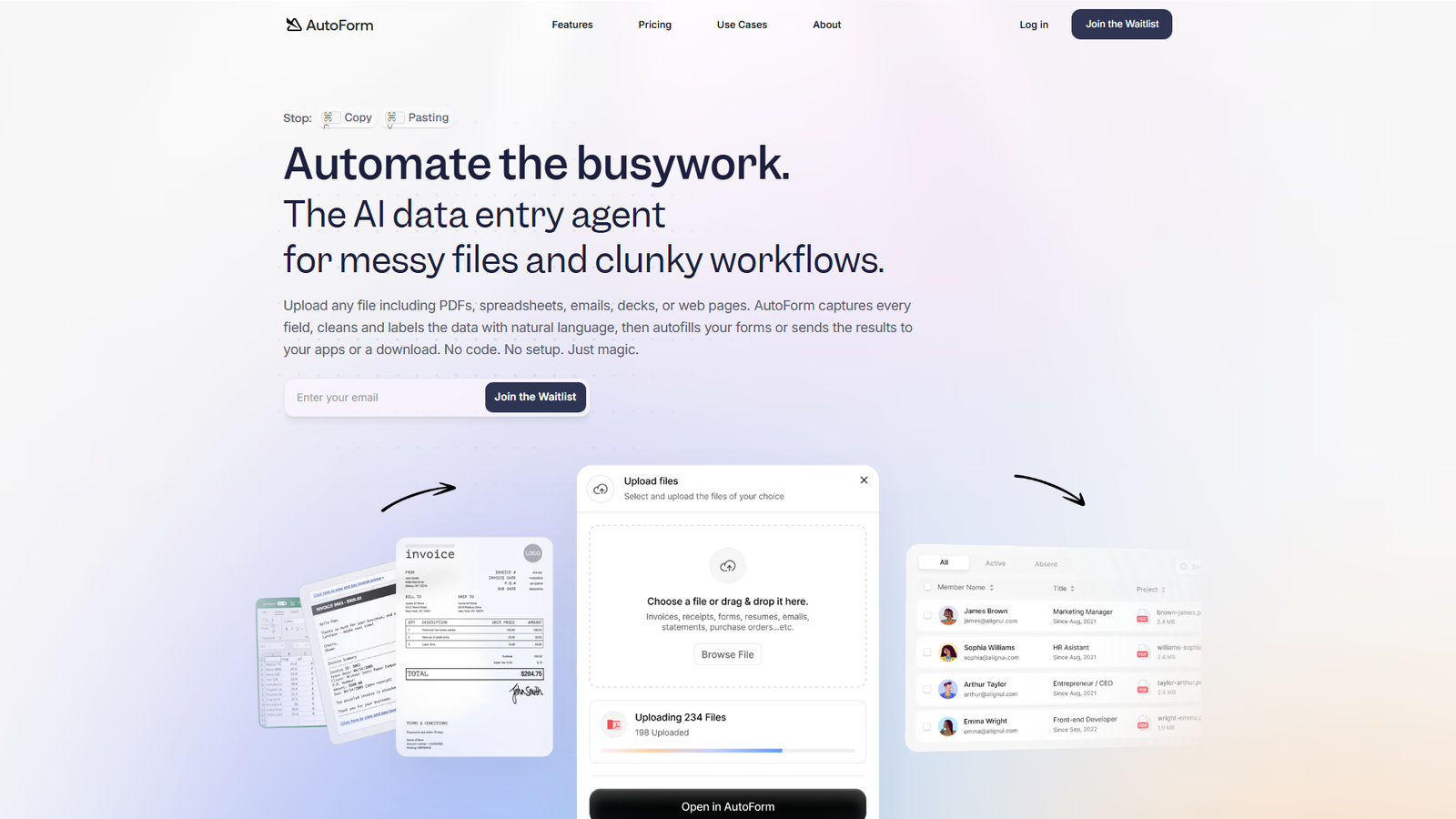
AutoForm Screenshot
AutoForm

AutoForm

The AI data entry agent for messy files and clunky workflows

Visit Website
74 Upvotes

About

AutoForm is an AI data entry agent designed to automate the process of extracting, cleaning, labeling, and utilizing data from various unstructured and messy files, including PDFs, spreadsheets, emails, decks, and web pages. It aims to eliminate manual copy-pasting by capturing every field, cleaning and labeling data with natural language, and then auto-filling forms or sending results to integrated applications. The platform boasts a no-code, no-setup approach, offering features like bulk processing, API/webhook access, AI training for customized data outputs, and smart storage for document reuse. It targets various use cases across customer onboarding, finance, operations, legal, education, and HR.


Color Palette

White

#FFFFFF

60%

Dark Grey / Black

#1A1A1A

20%

Accent Green

#4CAF50

10%

Light Grey

#F8F8F8

10%

Typography

Modern Sans-serif

Headings and Body Text

Aa

Design Review

The AutoForm landing page exhibits a very clean, modern, and professional design aesthetic. The dominant use of white space throughout the page creates a sense of openness and makes the content highly readable and easy to navigate. The color palette is minimalist, primarily relying on a stark contrast between dark grey/black text and a white background, effectively punctuated by a vibrant accent green for calls to action and key highlights. This green is strategically used to draw attention to important interactive elements like 'Join the Waitlist' buttons and success indicators. The typography, a consistent modern sans-serif font, contributes to the overall sleek and contemporary feel. It's highly legible across different sections and text sizes. Visual elements, such as the clear flow diagrams (e.g., 'document -> AI -> output') and intuitive icons, effectively communicate the product's functionality without relying on heavy text. The layout is well-structured with clear sectioning, making it easy for users to scan for information on features, use cases, and pricing. Usability is a strong point, with prominent and consistent calls to action. The 'Popular Use Cases' section is particularly well-designed, offering a quick visual overview of the product's versatility. The pricing section is transparent and easy to understand, although the interactive calculator is a static representation in the provided content. Overall, the design successfully conveys efficiency, reliability, and ease of use, aligning perfectly with the product's promise of automating busywork.

Similar Products

Clear for Slack

Clear for Slack

Clear messages get answered quicker

155
Griply 2026

Griply 2026

Achieve your goals with a goal-oriented task manager

87
vibecoder.date

vibecoder.date

Find who you vibe with, git commit to love

80
HappyMail

HappyMail

We made email simple again

73
Blober.io

Blober.io

The easiest way to transfer files between cloud providers.

65
Supaguard

Supaguard

Scan, Detect & Protect Your Supabase Data

64
Timelines Time Tracking 4

Timelines Time Tracking 4

Track your time to achieve your New Year resolutions.

63
SoftReveal — Reveal less. Engage more.

SoftReveal — Reveal less. Engage more.

Hide Content, Reveal on Click

62
CalPal

CalPal

The notebook calculator that thinks for you (now with AI).

61
Reword

Reword

Rewrite messages without leaving your workflow

59
Radial

Radial

Your shortcuts, one gesture away

59
MoovAI

MoovAI

Launch viral AI ads & pro social content in minutes

57
