
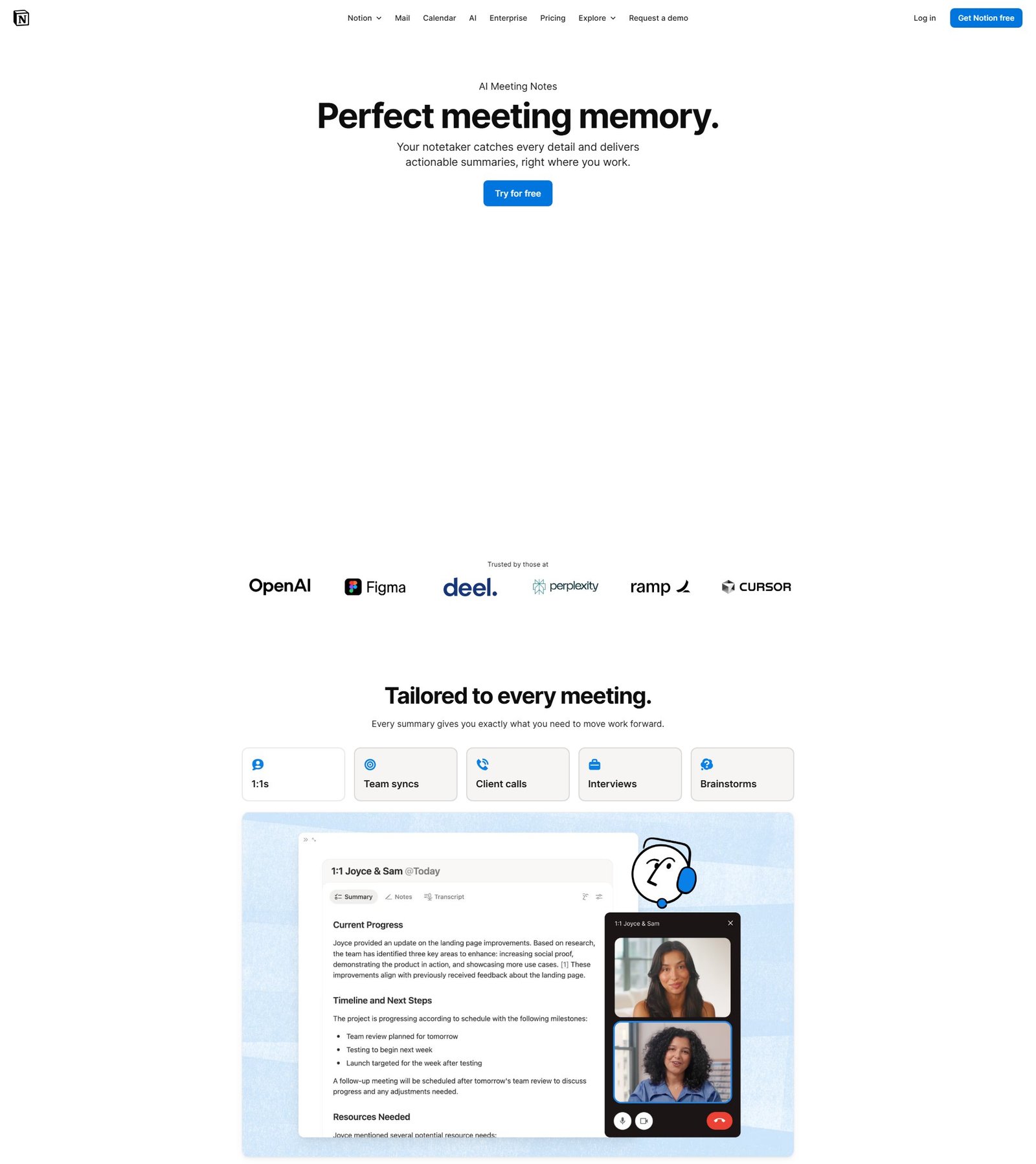

AI Meeting Notes by Notion
Perfect meeting memory in Notion
About
Notion AI Meeting Notes is a feature designed to provide perfect meeting memory by automatically capturing, transcribing, and summarizing meeting discussions. It generates actionable summaries, identifies action items, and integrates them directly into the Notion workspace. The tool works seamlessly with popular video conferencing platforms like Zoom, Google Meet, and Microsoft Teams, as well as for in-person meetings, by recording system audio and microphone input without requiring bots. It syncs with users' calendars to automate note creation and sharing. Furthermore, it leverages Notion AI and Agents to turn meeting outcomes into progress by updating projects, assigning tasks, and creating tailored follow-up communications. The service emphasizes high security and privacy standards, including no training on customer data, configurable transcript retention, built-in safeguards, and secure encryption.
Categories & Tags
Color Palette
White
#FFFFFF
Dark Grey / Black
#333333
Notion Purple (Accent)
#6940EE
Light Grey
#E0E0E0
Typography
Inter
Headings and Body Text
Sans-serif (General)
Fallback font
Design Review
Similar Products

Clear for Slack
Clear messages get answered quicker

Griply 2026
Achieve your goals with a goal-oriented task manager

vibecoder.date
Find who you vibe with, git commit to love

HappyMail
We made email simple again

Blober.io
The easiest way to transfer files between cloud providers.

Supaguard
Scan, Detect & Protect Your Supabase Data

Timelines Time Tracking 4
Track your time to achieve your New Year resolutions.

SoftReveal — Reveal less. Engage more.
Hide Content, Reveal on Click

CalPal
The notebook calculator that thinks for you (now with AI).

Reword
Rewrite messages without leaving your workflow

Radial
Your shortcuts, one gesture away

MoovAI
Launch viral AI ads & pro social content in minutes